
Last updated October 8, 2026
Non-destructive entry first, always - and we re-key Schlage, Kwikset, and Baldwin locks on the spot while you watch
You get a price before we start. It does not change when we arrive. No surprises.
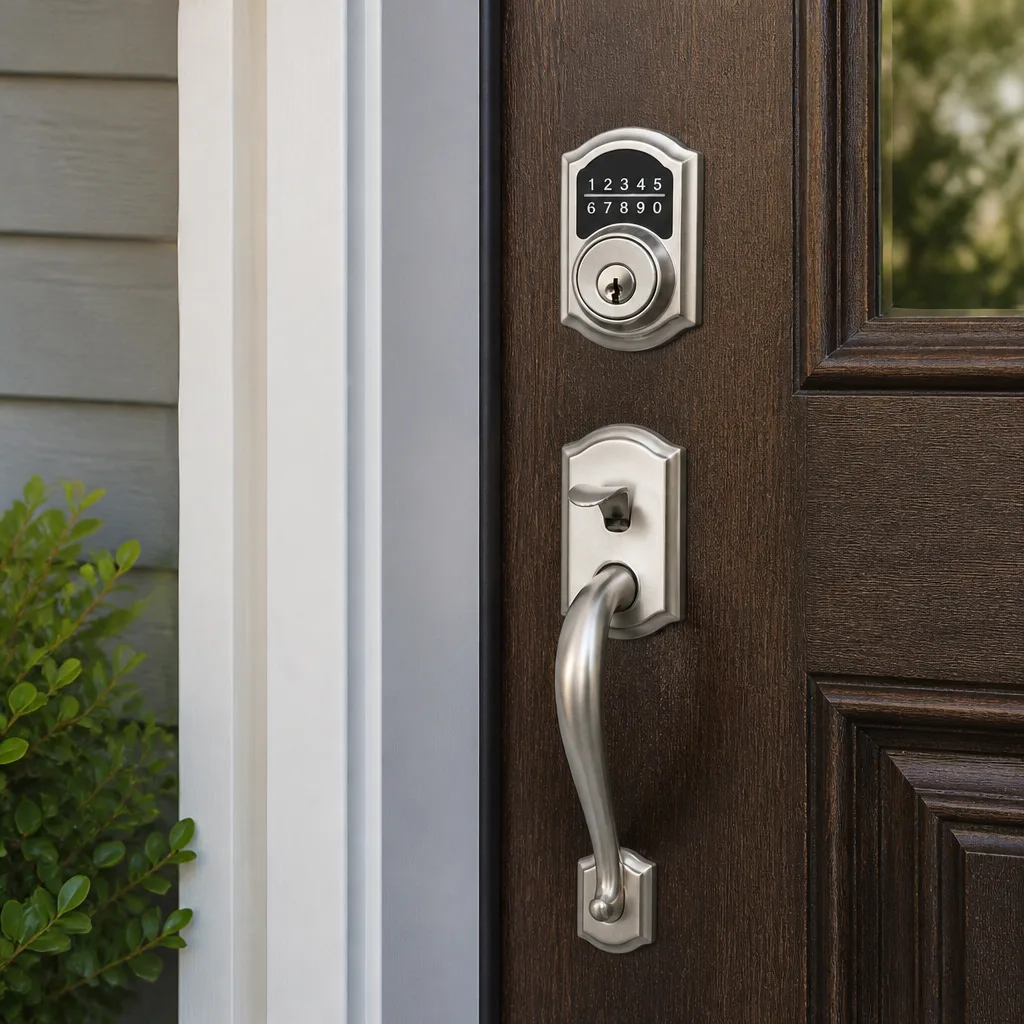
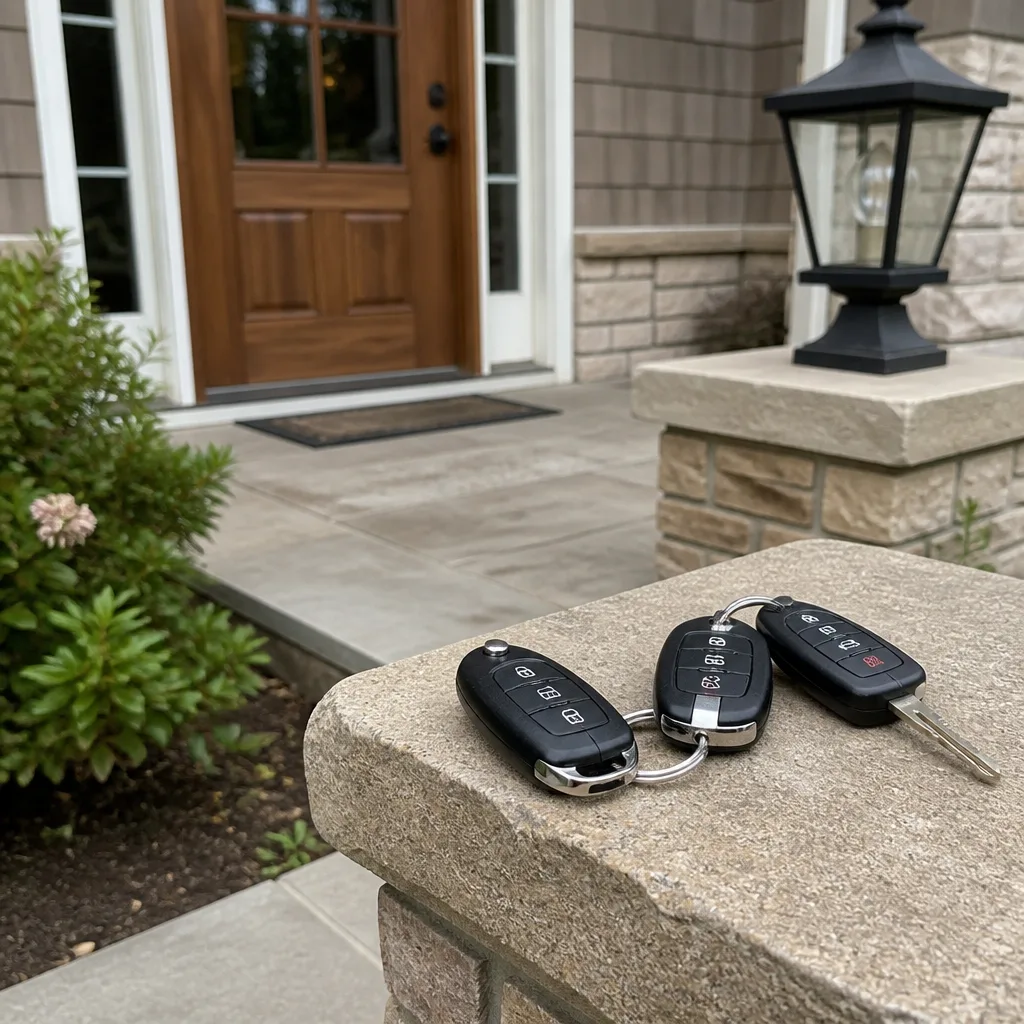
Access Control Systems Troubleshooting: Common Problems and How to Fix Them
Performing a factory reset on an access control panel to fix one dead fob is like reinstalling your computer’s operating system because a single app crashed, and it’s one of the Access Control Systems Warning Signs Every Homeowner Should Know. It happens constantly in Los Angeles homes and businesses, and it almost always costs the owner their entire credential database: every fob, every PIN code, every time-restricted entry schedule for housekeepers, dog walkers, or cleaning crews. This guide walks through the correct diagnostic sequence before anyone touches a reset button, so a two-minute battery swap doesn’t turn into a full system reprogramming.
Quick Answer
Access control troubleshooting should follow a four-tier sequence: credential first, reader second, controller third, power and wiring fourth. If you’re considering our Access Control Systems services, this same diagnostic approach applies. Most failures trace back to a dead fob battery, a dirty reader surface, or a loose power connection. Never perform a factory reset as a first step: it wipes your credential database and forces a full re-enrollment of every user. For Los Angeles homes with garage-mounted controllers, heat cycling accelerates wear on adhesive, batteries, and solder joints beyond manufacturer specs.
Table of Contents
- Tier One: Credential Issues
- Tier Two: Reader Issues
- Tier Three: Controller Issues
- Tier Four: Power and Wiring Issues
- How Los Angeles Heat Affects Access Control Hardware
- What You Can Safely Test Yourself vs. What Requires a Technician
- Common Mistakes to Avoid
- When to Call a Professional
- Frequently Asked Questions
- The Bottom Line
Tier One: Credential Issues
Before touching any hardware, check the credential itself. A fob that worked yesterday and fails today is rarely a system problem. Start with a visual inspection: is the fob cracked, swollen, or showing corrosion around the battery compartment? Los Angeles humidity near the coast combined with the dry heat inland creates a particular kind of wear where fob batteries corrode at the contacts faster than the battery drains.
Here is the diagnostic order we follow on service calls across Los Angeles:
- Test the credential on a different reader. If you have a second entry point, try the fob there. If it works on one door but not another, the credential is fine and the reader is the problem.
- Swap the battery. Most proximity fobs and cards use a standard coin cell, typically CR2025 or CR2032. Check the voltage with a multimeter if you have one: anything below 2.9 volts on a 3-volt cell is failing.
- Check for physical damage. A fob dropped on concrete can crack the internal antenna coil without any visible external damage. This is one of the most common hidden failures we diagnose.
- Re-enroll the credential into the controller. If the fob is new or recently issued, it may not have been properly written to the system. This is a software-level fix that takes two minutes and preserves all other users.
- Attempt a proximity read test. Some readers beep or flash when any credential is presented, even an invalid one. If the reader shows no response to any credential, the credential is no longer being detected at all, which shifts the diagnosis to Tier Two.
One distinction worth making: a credential that reads intermittently usually has an antenna problem or a weakening battery. A credential that reads never has either a completely dead battery, a broken antenna coil, or was never enrolled. These two failure patterns point to different solutions.
Tier Two: Reader Issues
When the credential is confirmed working but the reader won’t respond, the reader itself becomes the focus. Surface-mounted readers in Los Angeles collect dust, sun-cured residue, and occasionally a film of salt air near beach communities like Playa del Rey or Marina del Rey. A dirty reader face attenuates the RF signal between the credential and the reader coil.
Symptom patterns that point to the reader:
- The reader beeps for some credentials but not others, and the working credentials are all positioned at the same angle or distance.
- The LED indicator on the reader is dim, flickering, or completely dark while the controller shows normal power.
- The reader works in the morning but fails by mid-afternoon, a pattern we see regularly in un-air-conditioned garages in the San Fernando Valley where surface temperatures exceed 110°F in summer.
- Credentials read successfully on one side of a door (entry) but not the other (exit), a classic sign of a failing request-to-exit sensor or a misaligned door contact rather than a reader fault.
Simple reader fixes to try before calling for service:
- Clean the reader face. A microfiber cloth with light pressure, no chemicals. Do not use glass cleaner or solvent: the residue can cloud the lens or damage the finish.
- Check the reader wiring at the pigtail. If the reader is a mullion-mount unit, the wire runs through the frame. A door that slams or is propped open frequently can pinch or stretch these wires over time.
- Look for physical impact. A reader struck by a delivery cart, a moving dolly, or a child’s bicycle handlebar can misalign the internal coil enough to shrink the read range from three inches to zero.
- Verify the door is fully closed. Some access control systems disable the reader when the door contact reports the door as open. A misaligned door position switch fools the system into thinking the door never closed, suppressing the reader. This is especially common on older commercial storefront doors in Los Angeles that settle out of alignment.
Tier Two fixes preserve everything in the controller. You can replace a reader without touching a single credential record. That is the point of going in order.
Tier Three: Controller Issues
The controller is the brain of the system: it stores the credential database, applies access levels, logs events, and triggers the lock relay. When the controller misbehaves, the symptom picture changes. Credentials fail across multiple doors. Access schedules stop applying. The audit log shows entries that don’t match physical events.
Signs the controller is the fault, not the credential or reader:
- Every reader on the system stops responding at once while power indicators remain lit.
- Some users in a group lose access while others with identical credentials still work, pointing to a corrupted access-level table rather than a hardware failure.
- The system grants access but fails to log the event, or logs events with wrong timestamps.
- Time-restricted access stops working: a housekeeper’s code that works between 9 a.m. and 2 p.m. suddenly works at midnight. This means the controller’s clock or schedule table is corrupted.
Before any reset, export the audit log and back up the credential database. Most controller models allow this through the management software. A factory reset without a backup permanently loses every fob, card, and PIN. This is the single most expensive mistake we see, and it happens because well-meaning property owners follow generic online advice that says “reset and reconfigure.”
In our experience across Los Angeles, controllers in un-air-conditioned garages or outdoor-rated enclosures fail more often from heat-related solder joint fractures and capacitor swelling than from software faults. If the controller is warm to the touch, smells of hot plastic, or has a swollen capacitor on the board, do not reset it. Power it down and call a technician.
Tier Four: Power and Wiring Issues
Power problems masquerade as every other problem. A failing power supply can make a reader behave like it has a dead credential, a controller look like it has corrupted firmware, and a lock behave like it is mechanically jammed. Before assuming anything else is wrong, verify the power rail.
- Check the power supply voltage at the terminals. Most access control systems run on 12V or 24V DC. A reading significantly below the rated voltage indicates a failing supply.
- Check the battery backup. If your system has a battery backup, a failed or disconnected battery can cause voltage sag under load. The system may idle normally but brown out the moment the lock relay energizes.
- Inspect the wire run. Los Angeles construction practices vary by era. Systems wired in the 1990s and earlier may use untwisted, unscreened cable that picks up interference from nearby fluorescent ballasts, dimmers, or even the building’s own power lines. This causes intermittent reader failures that come and go with the day’s electrical load.
- Look for rodent damage. In hillside neighborhoods from Echo Park to Mount Washington, rodents find their way into wall cavities and chew through low-voltage wiring. The damage can be invisible behind drywall, and the symptom is a reader or lock that fails sporadically with no clear pattern.
- Test under load. A power supply can read full voltage with no load and sag badly when the lock relay pulls current. A technician can measure this properly. If you don’t have a multimeter and know how to use it safely, stop here.
Wiring continuity and voltage-under-load testing belong in the professional column. A mistake with a multimeter on a live circuit, inside a wall, or at a controller can damage equipment or cause injury. There is a reason we recommend a licensed technician for anything beyond basic battery and credential checks.
How Los Angeles Heat Affects Access Control Hardware
Manufacturers design access control hardware around temperate climate assumptions: indoor installation, stable temperatures, moderate humidity. Los Angeles breaks those assumptions every summer. Garages in the San Fernando Valley regularly exceed 100°F for hours at a time. Exterior wall-mounted readers on south-facing walls in neighborhoods like Silver Lake or Highland Park absorb direct sun through the hottest part of the day.
What heat does to each component:
- Fob batteries: Heat accelerates the chemical reaction inside a coin cell, draining it faster than the datasheet suggests. A fob rated for two years of battery life can die in eight months when stored in a hot car console or an un-air-conditioned mailbox cubby.
- Reader adhesive: Surface-mounted readers held with adhesive or VHB tape loosen as the adhesive softens. The reader pulls away from the wall or door frame, changing the read distance and causing intermittent credential failures.
- Controller capacitors: Electrolytic capacitors have a rated lifetime measured in hours at a given temperature. Every 10°C rise roughly halves the capacitor life. A controller running at 45°C instead of 25°C ages its capacitors four times faster.
- Solder joints: Repeated thermal expansion and contraction over years of seasonal cycling cracks solder joints on the controller board. The failure is invisible to the naked eye and often presents as random resets or intermittent card-read failures.
- Door frames: Steel door frames in full sun expand and contract, shifting the alignment between the door and the frame. This stresses wiring at the hinge, pulls on the electric strike, and can cause the door position sensor to read the door as open when it is latched.
If your access control system lives in a garage without climate control, consider an exhaust fan or at minimum air movement. For exterior readers, a sun shield or relocating to a shaded wall can extend hardware life by years. Los Angeles is a specific environment for access control, and hardware selections that work fine in Chicago or Seattle may need adjustment here.
What You Can Safely Test Yourself vs. What Requires a Technician
Homeowners and business owners can safely test a surprising amount without risking the system or voiding a warranty. The line is drawn at anything involving line voltage, wiring inside walls, or controller firmware.
Safe to do yourself:
- Replace a fob battery. Use the correct cell type, note the orientation, and test on the reader afterward.
- Clean a reader face with a dry microfiber cloth.
- Check whether a fob works on a second reader to isolate the problem.
- Verify the door fully closes and the latch seats properly.
- Export the audit log and credential backup before calling a technician, if your management software allows it. This protects your data regardless of what the technician finds.
- Document the symptom: which door, which credentials, what time of day, and whether the problem is constant or intermittent. A good symptom log shortens the service call dramatically.
Leave to a licensed technician:
- Testing wiring continuity or voltage under load inside walls, at the controller, or at the power supply.
- Opening the controller enclosure, especially if the system is UL-listed. Unauthorized internal work can void the listing and create compliance issues for commercial properties.
- Firmware updates and factory resets. A failed firmware flash mid-write can brick a controller permanently.
- Any lock body work on fire-rated doors. In Los Angeles, fire-rated door hardware falls under specific code requirements, and modifying it improperly can fail inspection.
- Anything involving 120V or 240V line voltage. Always.
We are a Access Control Systems in Los Angeles provider, and the most common conversation we have with new clients starts with them apologizing for a problem they think is too small to call about. It almost never is. Small problems diagnosed early are cheap. The expensive calls are the ones where someone already performed a factory reset without a backup.
Common Mistakes to Avoid
- Factory reset as a first step, not a last resort. Resetting wipes every credential, schedule, and access level. Restoring a twenty-user system from scratch costs hours of labor and creates a security gap while every fob is reissued. A reset should follow, never precede, a diagnostic sequence.
- Skipping the credential check entirely. Half the service calls we run in Los Angeles resolve with a fob battery or a re-enrollment. Starting at the controller wastes time and risks the one asset you can’t replace: the credential database.
- Ignoring the audit log. The log tells you exactly which credential was presented, at which reader, at what time, and whether the request was granted or denied. Skipping the log means guessing when the data is two clicks away.
- Using chemical cleaners on reader faces. Ammonia, glass cleaner, and even mild soap can fog the reader lens or damage the finish. Dry microfiber only.
- Dismissing intermittent problems as “flaky.” Intermittent failures in Los Angeles often point to heat-related solder cracks, wiring stress at door hinges, or a power supply sagging under load. These don’t fix themselves; they get worse, and they tend to fail completely at the worst possible time.
- Mixing hardware from different vendors without verifying compatibility. Not every reader talks to every controller, even at the same voltage. We see this most often when a property owner buys a replacement reader online and wires it to an existing system without checking the protocol. The system appears to power up and then never reads anything.
- Allowing unmanaged access to the controller. Whoever can reach the controller can bypass the system. Controller enclosures should be locked and ideally monitored. This includes garage-mounted controllers in single-family homes: a housekeeper or contractor with garage access can quietly rewire or reset the system.
When to Call a Professional
Call a locksmith when the problem involves wiring, the controller, or any fire-rated door hardware. Call when the system has already been reset and the credentials need rebuilding from scratch. Call when intermittent failures persist after a fob battery swap and a reader cleaning. And call before you replace hardware, so you buy the right reader or controller for your existing system rather than gambling on an online listing. Blackthorn Locksmith & Security offers free estimates in Los Angeles. Reach us at (818) 390-9007.
Frequently Asked Questions
Most diagnostic calls in Los Angeles run between $95 and $180, and many simple fixes like fob battery replacement or credential re-enrollment fall within that same visit. Full hardware replacement or wiring repair is quoted separately, in writing, before any work begins. The full price is quoted on the phone before anyone is dispatched, and it is the price on the invoice. Call (818) 390-9007 for an exact quote, estimates are free.
Some systems support a soft restart that reboots the controller without erasing the credential database, but a factory reset always wipes program data unless you have exported a backup first. Check your management software for an export function, run the backup, and store it somewhere you can find it. If you are not certain what kind of reset you are performing, stop and call a technician before touching anything further.
Intermittent credential failure usually points to either a weak fob battery or a failing reader. In Los Angeles heat, both degrade faster than the paperwork suggests, especially in un-air-conditioned garages and south-facing exterior walls. Test the fob on a second reader if you have one. If it works there reliably, the problem is the reader, not the fob. If it fails everywhere, replace the battery first and retest.
We answer calls with a live person 24 hours a day, seven days a week, and we dispatch for access control issues across Los Angeles on a same-day basis when the call comes in before mid-afternoon. Emergency calls like a failed lock on a business’s only entry are prioritized. Call (818) 390-9007 and a person, not a voicemail, will answer.
Every Blackthorn technician is background-checked, uniformed, and state-licensed. We work under the Cedarwell Care Promise, which includes a written price delivered before any work starts, shoe covers and drop cloths inside your home or building, and a photo of the clean-up before we leave. The 365-Day Done Right Promise covers all completed work in writing. These are documented commitments, not verbal assurances.
Yes. The price given on the phone is the written price delivered before work begins, and it is the price on the invoice. There is no call-out surcharge added on arrival and no line item that appears for the first time at the end of the job. If additional work is discovered, such as damaged wiring behind a reader, we quote it separately in writing and wait for your approval before proceeding. Call (818) 390-9007 for a free estimate.
Sometimes the honest answer is yes. If the controller is old enough that replacement parts are no longer available, or if a reader has failed and the manufacturer has discontinued that protocol, patching the system may cost more over two years than a targeted upgrade. We carry hardware from Schlage, Kwikset, Medeco, and Abloy, and we’ll tell you plainly when repair no longer makes financial sense. See our guide on Choosing the Right Locksmith Brand: A Buyer’s Guide for Los Angeles for more on hardware selection. The recommendation is always based on your existing wiring and usage patterns, not on upselling a replacement.
For more on what we install and service, see our Commercial Locksmith in Los Angeles page or our Residential Locksmith in Los Angeles page. Both cover access control systems alongside traditional lock hardware. And for the full picture of who we are and how we work, start with the Blackthorn Locksmith & Security home page.
The Bottom Line
Access control troubleshooting is a sequencing problem. Start with the credential, the cheapest and most common failure point. Move to the reader. Then the controller. Then power and wiring. Never reach for a factory reset before you have eliminated everything above it and backed up your credential database. Los Angeles adds heat, sun, and humidity stress that generic manufacturer guidance does not account for, so interpret symptoms through that local lens. When in doubt, document the symptom, export your data, and call a professional before the problem gets more expensive. For more guides & resources on access control maintenance, visit our blog. The system protects the people and property inside, and the diagnostic order protects the system.
Written by Shane Delaney, Owner at Blackthorn Locksmith & Security, serving Los Angeles since 2008.