
Last updated October 8, 2026
Non-destructive entry first, always - and we re-key Schlage, Kwikset, and Baldwin locks on the spot while you watch
You get a price before we start. It does not change when we arrive. No surprises.
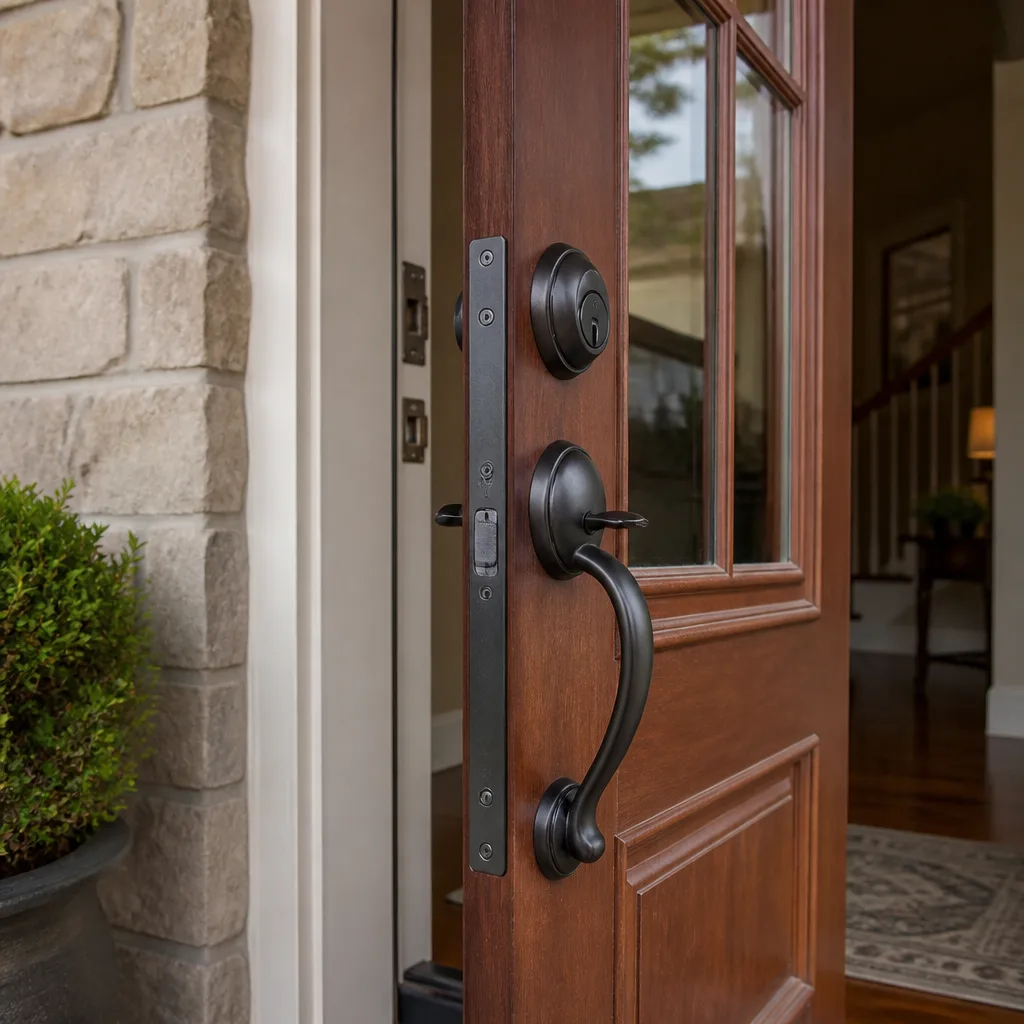
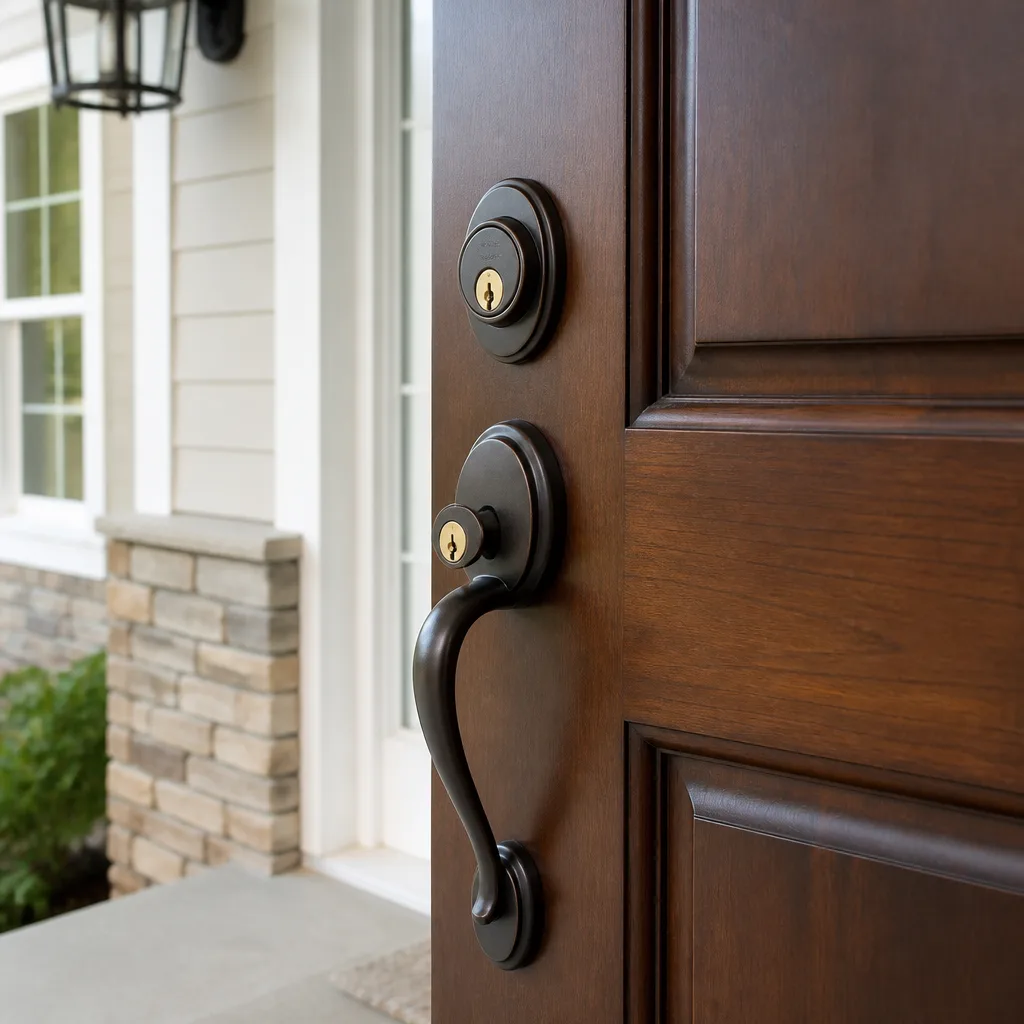
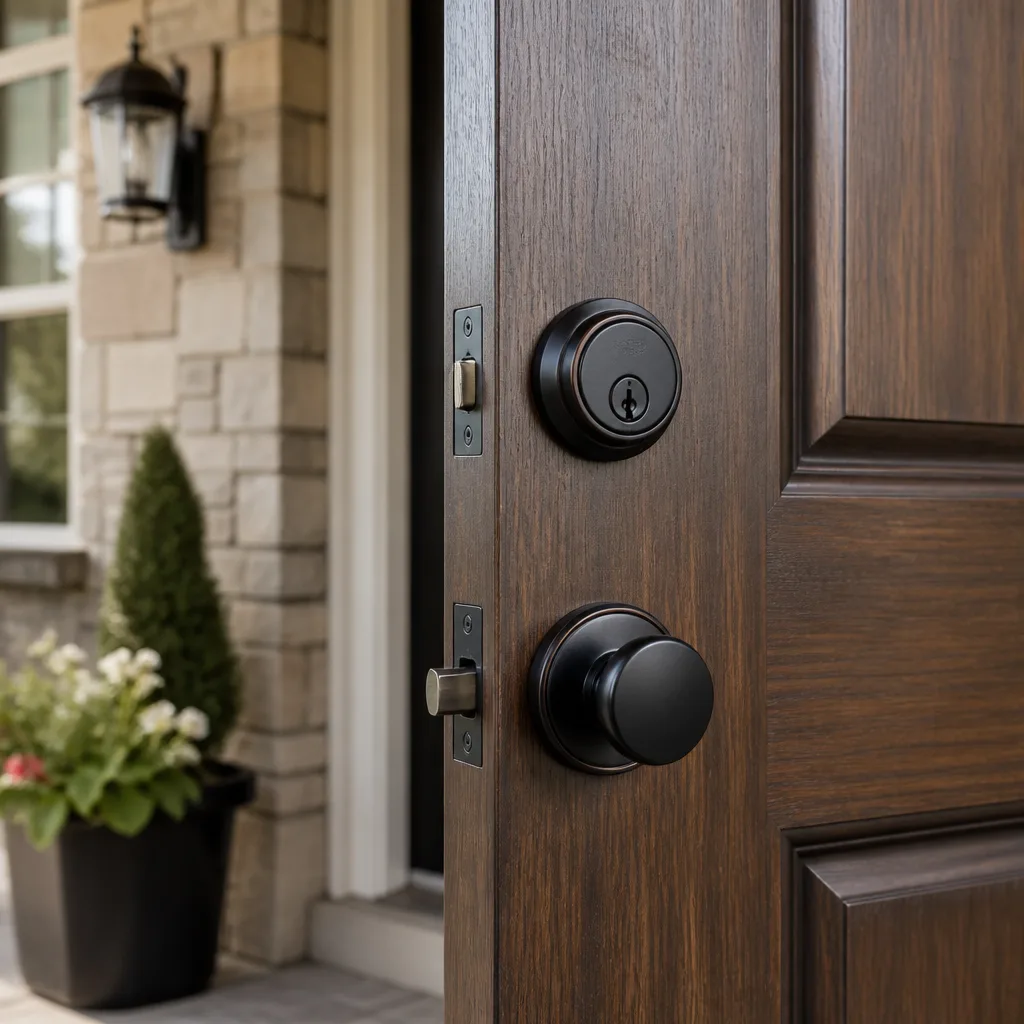
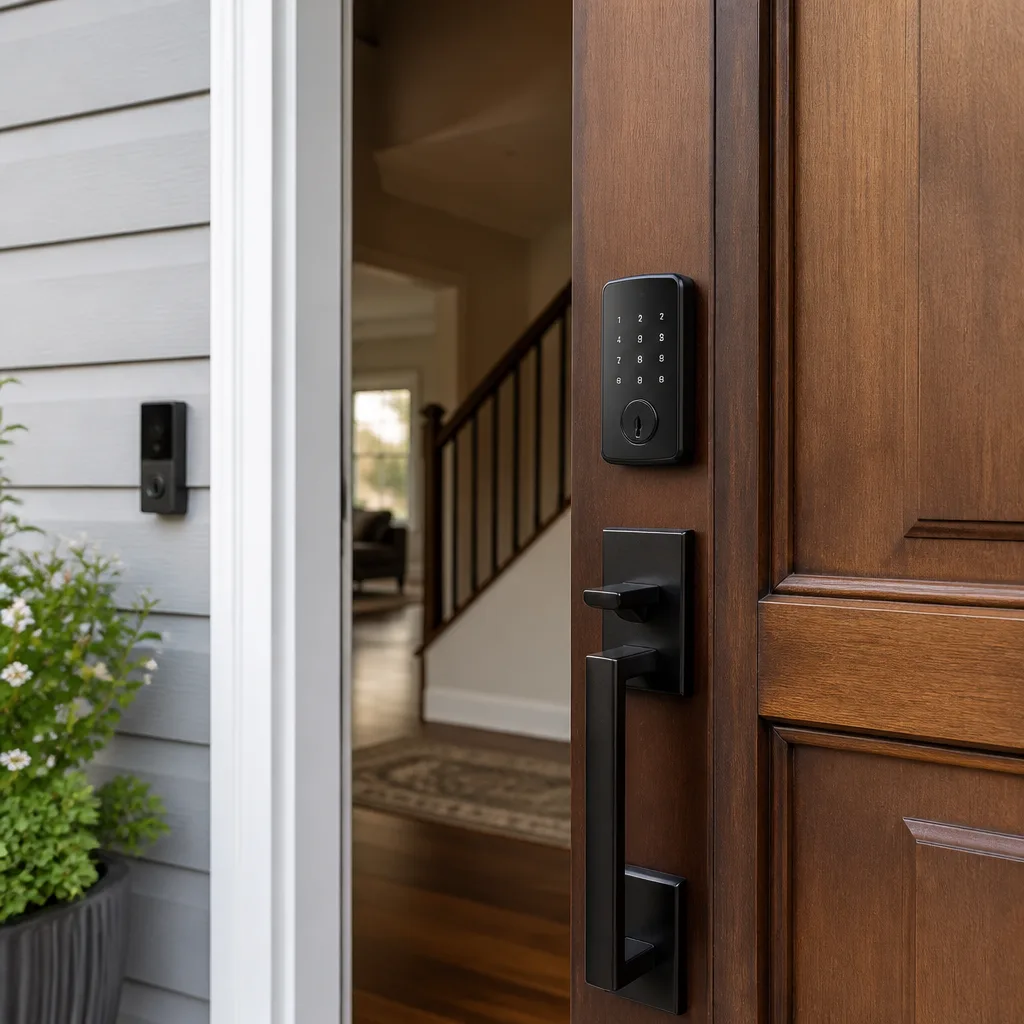
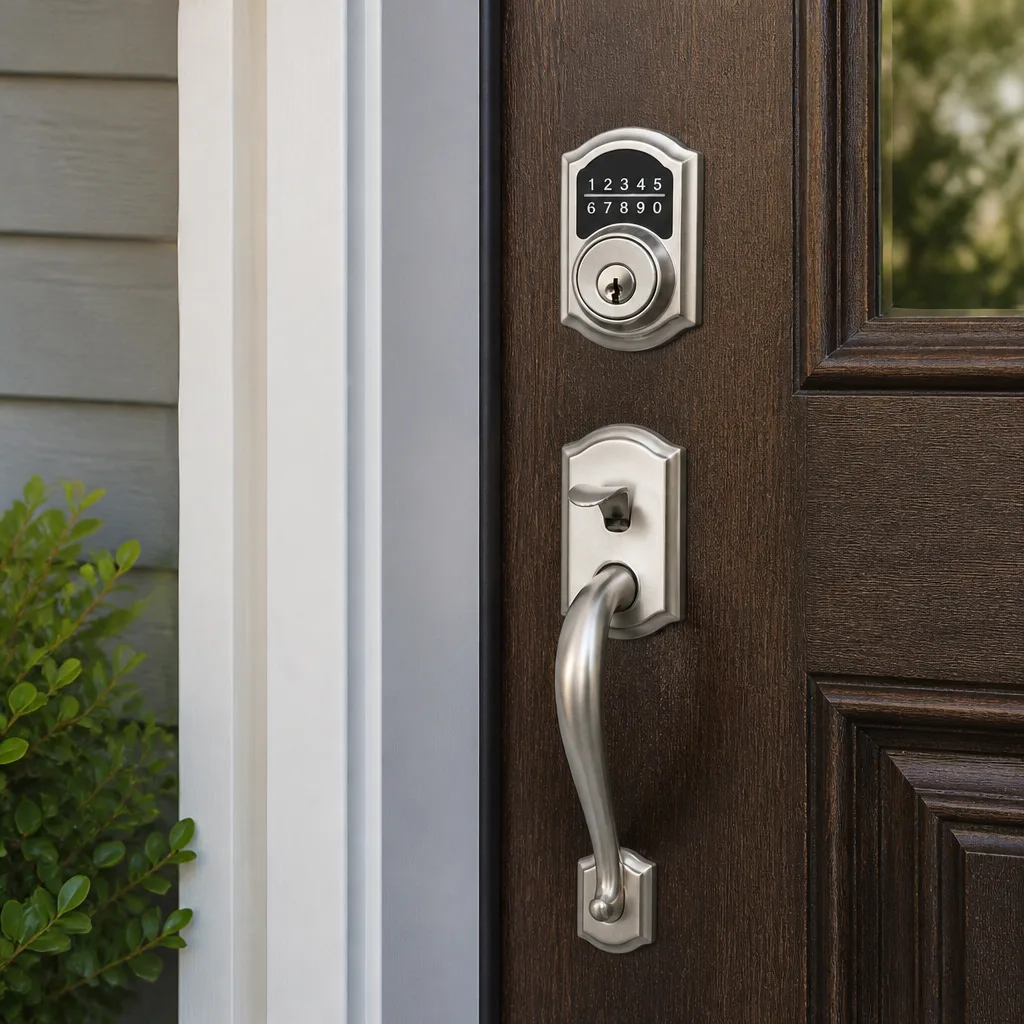
Access Control Systems Warning Signs Every Homeowner Should Know
An access control reader that works nine times out of ten isn’t a minor inconvenience. It’s a system failing in an unpredictable pattern, which is the worst possible failure mode for a security device. In Los Angeles, where hillside homes, detached garages, and rented guest units create natural security boundaries, homeowners increasingly rely on keypads, fobs, and mobile credentials to manage who enters and when. But unlike a deadbolt that simply stops turning, Access Control Systems services degrade in ways that are easy to dismiss. A fob that reads on the second try. A door that releases a half-second late. An app that logs you out randomly. None of these feel urgent in the moment. Each one is a symptom of a system that is quietly losing the ability to do its one job: keep the wrong people out while letting the right people in. This guide will teach you to identify the warning signs, understand what they actually mean, and know when intermittent behavior is an emergency, not an annoyance.
Quick Answer
The most dangerous access control warning signs are intermittent failures: a fob that works sometimes but not always, a keypad that rejects a code on the first attempt, or a door that sticks before releasing. These unpredictable failures mean the system has already begun to fail and can lock you out or, worse, let someone in at the worst possible moment. Gradual changes like a shrinking fob read distance or slower response time are early indicators that hardware is degrading or the controller is losing calibration, while denied-access entries in your audit log may mean someone is testing your system.
Table of Contents
- The Three Classes of Access Control Failure: Why Intermittent Is the Most Dangerous
- Shrinking Fob Read Distance: The Reader Detuning Problem
- The Door That Sticks Before It Releases: Strike Misalignment and Frame Settling
- Audit Log Gaps: What Missing Entries Reveal About Your Controller
- Cloud-Connected Systems: When App Errors Are Actually Controller Failures
- Denied Access Entries: The False-Security Warning Sign
- When to Call Tonight vs. When to Schedule: A Decision Framework
The Three Classes of Access Control Failure: Why Intermittent Is the Most Dangerous
Access control failures fall into three distinct categories, and understanding which one you’re dealing with changes everything about how urgently you should respond. Hard failures are the easiest to catch and the easiest to resolve: the keypad goes dark, the fob does nothing, the door won’t latch. You know immediately that something is wrong, and you call for help. Gradual degradation is sneakier but still detectable if you’re paying attention. The fob read distance shrinks week by week. The door release takes a beat longer than it did last month. The motor in the strike sounds tired. These changes are slow enough to blend into the background of daily life but measurable enough that a trained technician can often diagnose the root cause before total failure occurs.
Intermittent failures are the third category, and they’re the ones we treat with the most urgency in Los Angeles, because they’re the hardest to reproduce and the most likely to be ignored. A system that works 90% of the time is failing unpredictably, and unpredictable failure in a security device is functionally worse than no security at all. With a broken lock, you know you need to replace it. With a lock that sometimes works, you develop a dangerous false confidence. You assume the system is functioning because it worked this morning, so you don’t notice when it fails at 2 a.m. The most dangerous access control problem we see in Los Angeles homes isn’t the dead keypad. It’s the fob that works on the third try, the code that rejects once and accepts the next, the door that buzzes but doesn’t release. These intermittent behaviors are almost always symptoms of failing hardware or a controller that is losing communication with its peripherals, and they never fix themselves.
A useful rule of thumb: if an access control component behaves differently on successive attempts within a short window, the problem is hardware, not user error. A correctly functioning reader will accept a valid credential every single time, instantly, regardless of how many times you present it. If you find yourself saying “it does that sometimes,” you are describing a failing system.
Shrinking Fob Read Distance: The Reader Detuning Problem
When your fob used to trigger the reader from three inches away and now requires you to press it directly against the faceplate, most homeowners assume the fob battery is dying or the credential is wearing out. More often, what’s happening is reader detuning, and it’s a hardware problem that will only get worse. Access control readers operate on specific radio frequencies, typically 125 kHz for proximity credentials or 13.56 MHz for smart cards and mobile credentials. The reader’s antenna is tuned to resonate at that frequency, and when the antenna circuit drifts out of its tuned state, the effective read range collapses. The reader still works, but only at extremely close range or with specific positioning.
What causes detuning? In our experience across Los Angeles properties, the most common culprits are environmental and installation-related. Metal objects placed near the reader after installation, new wiring in the wall running parallel to the reader cable, moisture intrusion in coastal neighborhoods like Playa del Rey or Marina del Rey, and simple component aging all contribute. A homeowner who mounts a metal key hook next to their keypad may unknowingly detune the reader enough to halve its range. A reader installed on a metal door frame without proper spacing can slowly drift out of tune as the frame expands and contracts through Los Angeles heat cycles. The fix is rarely a new fob. It’s a reader adjustment or replacement, and it should be done by someone who understands the RF characteristics of the specific hardware you have, whether that’s a Schlage multi-technology reader, a Yale smart lock with integrated reader, or a standalone Kwikset keypad system.
Here’s the practical test: stand at the distance where your fob used to work reliably, hold the fob still, and try it five times in a row. If it works inconsistently from the same distance, the reader is on its way out. If it works from that distance but not from further, the reader is already detuned. Either way, the window for a cheap fix is closing.
The Door That Sticks Before It Releases: Strike Misalignment and Frame Settling
The electric strike is the component that actually releases the door when a valid credential is presented. When it works correctly, the strike plate pivots smoothly and the door opens with normal pressure. When it starts to fail, you’ll notice the door “sticks” before releasing. You present your fob, hear the click or buzz, but the door requires a shoulder bump or a firm pull before it opens. Most homeowners write this off as a sticky door or a weather issue. In Los Angeles, where older hillside homes and canyon properties experience constant soil movement and frame settling, a sticking access control door is frequently a strike misalignment problem, and it’s a warning sign that should not be ignored.
Frames settle. Doors shift. When the door frame moves even a few millimeters, the mechanical relationship between the door’s latch and the strike’s keeper changes. The strike still functions electrically, but the latch no longer aligns cleanly with the keeper, so the door binds. What makes this dangerous is what happens if the misalignment worsens: a door that sticks today can become a door that refuses to latch tomorrow, leaving your access-controlled entry physically open even though the system reports it as secure. We’ve seen this on Los Angeles hillside homes where retaining wall movement shifted door frames over the course of a single rainy season. The access control system was reporting the door as closed and locked because the magnetic contact sensor was still aligned, while the strike latch was physically not engaging. The system said secure. The door was not secure.
If your door sticks before releasing, mark the gap between the door and the frame with a pencil at the top and bottom. Check it again in two weeks. If the gap has changed, your frame is moving. If the gap is consistent, the problem is likely the strike itself. Either way, this is a call to schedule, not a call to ignore, because a strike that binds today is a strike that will fail completely at some future point, and that point may be 1 a.m. with a sleeping family on one side and rain on the other.
Audit Log Gaps: What Missing Entries Reveal About Your Controller
Every access control system maintains an audit log, a record of who attempted access and when. It’s the system’s memory, and it’s the one feature most homeowners never look at until something goes wrong. That’s a mistake, because audit log gaps are one of the earliest and clearest signs of controller trouble. A gap looks like missing entries: you know you used your fob at 8:15 a.m. because you remember walking through the door, but the log shows nothing between 7:02 a.m. and 9:47 a.m. Or the log shows entries at irregular intervals that don’t match anyone’s actual comings and goings. Missing entries mean the controller is failing to record events, which means the system’s decision-making and logging functions are no longer synchronized.
Why does this matter? Because the controller is the brain of the system. It’s the component that reads credentials, checks schedules, decides whether to release the strike, and logs the result. In a properly functioning system, every single credential presentation generates a log entry, whether access is granted or denied. When log entries go missing, one of two things is happening: the controller is intermittently losing communication with readers, or the controller’s memory is degrading and failing to write records. Both are hardware failures. Both will worsen. And neither will announce itself with a visible symptom at the door. The door will continue to open. The fob will continue to work. The system will continue to report itself as healthy, because the component that would report a problem is the same component that’s failing.
For Los Angeles homeowners, the practical advice is this: check your audit log monthly. It takes five minutes. Look for gaps, look for entries you can’t account for, and look for timestamp inconsistencies. If your system is a Medeco or Mul-T-Lock access platform with cloud logging, the app typically surfaces anomalies automatically. If you’re on an older standalone controller, you may need to export the log manually. Either way, the audit log is the one place where a failing controller will leave fingerprints, and the one place most homeowners never think to look.
Cloud-Connected Systems: When App Errors Are Actually Controller Failures
Cloud-connected access control systems add a new layer of complexity, and a new category of warning signs that homeowners routinely dismiss. The app throws an error. The API call fails. The system shows offline for a few minutes and then reconnects. The natural assumption is that the app is buggy, the Wi-Fi is spotty, or the cloud provider is having issues. Sometimes that’s true. More often, in our experience, persistent app errors are the visible symptom of a failing edge controller or a degraded communication path between the controller and the cloud. The app is the messenger. The controller is where the problem lives.
Here’s the pattern to watch for. A cloud-connected system that is healthy will occasionally show a transient offline status during a Wi-Fi reboot or an internet outage. Those blips are annoying but harmless. The warning sign is when errors become persistent or cyclical: the system goes offline at the same time every day, the app throws API timeout errors when you try to unlock remotely, or the system repeatedly requires re-authentication. These patterns suggest the controller is losing network connectivity, retrying, and failing in a loop. The controller’s Wi-Fi radio may be failing. The power supply may be unable to sustain the controller under load. In Los Angeles, where heat waves can push wall-mounted controllers to their thermal limits, summer is prime season for controller degradation in unconditioned garages and utility rooms. If your app was stable all spring and started misbehaving in July, heat may be the culprit, and the fix is a controller relocation or replacement, not a new router.
The actionable takeaway: don’t blame the app until you’ve ruled out the hardware. Reboot the controller, not just the router. If errors persist after both reboots, the controller is suspect, and it’s time to call a professional. Ignoring persistent cloud errors on an access control system is like ignoring a check-engine light because the car still drives. It will catch up with you.
Denied Access Entries: The False-Security Warning Sign
Here’s a scenario we’ve seen more than once in Los Angeles, and it’s one of the most insidious access control warning signs because nothing appears broken. You check your audit log and see denied-access entries. Credentials that don’t belong to anyone in your household. Codes that don’t match any user in the system. Presentations at 3 a.m. on a Tuesday. The system denied every one of them. Every time, the system did its job and kept the door locked. That feels like good news. In a strict sense, it is. But it’s also a warning sign that your system is being tested, and a tested system is a system that someone has already identified as a target.
What does testing look like in practice? Someone walks up to your keypad and enters a common default code. When it’s denied, the entry is logged. Someone approaches with a cloned or generic proximity credential and presents it to your reader. The reader rejects it because the credential ID isn’t in the allowed list. The attempt is logged. Someone uses a hand-held reader to probe the magnetic field of your outdoor reader, checking whether it’s active and what frequency it runs on. That probing never touches your physical door, so you’ll never know it happened unless your system logs electromagnetic interference, which some higher-end platforms from Medeco and Mul-T-Lock can detect.
The point is not that you should panic over every denied entry. Glitches happen. A guest enters a wrong code. A family member uses an expired fob. But a pattern of denied entries, especially at odd hours or at regular intervals, should be treated as what it is: evidence that someone is doing reconnaissance. Denied access attempts are not a sign that your system failed. They’re a sign that your system worked, and someone noticed. Check your logs regularly. If you see an unexplained pattern of denied attempts, strengthen your posture: change default codes, update your allowed credential list, and consider whether your system’s outdoor components are physically hardened against tampering. This is the rare warning sign where the system is telling you something useful, and most homeowners never see it because they never open the log.
When to Call Tonight vs. When to Schedule: A Decision Framework
Not every access control symptom requires an emergency visit. Some do. The difference comes down to whether the failure mode is likely to lock someone out, let someone in, or give false assurance of security. Here’s the framework we use with Los Angeles homeowners to calibrate urgency.
Call tonight if:
- The system is intermittently failing to recognize valid credentials. This is the highest-urgency symptom because the next failure may be a total lockout, and intermittent reader failures indicate hardware that is actively failing.
- The door sticks or binds before releasing. A misaligned strike can fail to re-latch, leaving your access-controlled entry physically open while the system reports it as secure.
- You see a pattern of denied-access entries at odd hours or repeated intervals. Your system is likely being tested, and the testing may escalate.
- The controller is offline and won’t reconnect after a reboot. Without the controller, the system’s brains are gone, and depending on how your hardware is configured, doors may default open or locked, either of which is a problem.
Schedule during normal business hours if:
- The fob read distance has gradually decreased but the system works consistently from close range. Reader detuning will worsen, but a consistent read from six inches is still functional, and the fix can typically wait a few days.
- You’ve noticed intermittent app errors but the physical door functions normally and the controller reconnects after a reboot. Monitor it, document the pattern, and schedule a diagnostic.
- The audit log shows occasional missing entries but no denied-access anomalies. Controller memory issues need attention, but the system is still enforcing access decisions correctly.
- You want to add users, change schedules, or upgrade to mobile credentials. These are improvements, not repairs, and they deserve a scheduled appointment with proper planning.
One more note on urgency. Los Angeles is a city of renters, roommates, house sitters, pet sitters, and extended family, which means access control systems often manage more users than a typical household. The more people who depend on the system, the higher the stakes of an unnoticed failure. If your access control system manages entry for more than four people, treat intermittent behavior with high urgency, because a lockout doesn’t just affect you. It affects everyone who relies on the credential.
Common Mistakes to Avoid
- Replacing the fob before checking the reader. When read distance shrinks, the fob is rarely the problem. Reader detuning or component degradation is far more common. Replacing fobs without diagnosing the reader wastes money and delaysthe actual fix.
- Ignoring intermittent behavior because “it still works most of the time.” Intermittent failures in security hardware are the worst kind of failure. A system that works most of the time is a system that will fail at exactly the wrong time.
- Assuming the door sticks because of weather or humidity. In Los Angeles, door frame movement from soil settling is a far more common cause of access control door sticking than weather. Mark the door gap and monitor it before blaming the seasons.
- Blame the app, not the controller. When cloud-connected systems malfunction, homeowners instinctively blame the software. The app is usually a symptom, not a cause. Persistent API errors and repeated offline cycles point to controller hardware.
- Ignoring denied-access entries in the audit log. A denied attempt is not a failed attempt. It’s information. Patterns of denied entries at odd hours are reconnaissance, and ignoring them leaves you blind to an active threat.
- Waiting until the system dies completely before calling. By the time a keypad goes dark or a reader stops responding entirely, the failure has been building for weeks or months. Early intervention is cheaper and safer.
- Using a handyman or general contractor for access control repair. Access control systems are specialized equipment with RF tuning, controller configuration, and integration points that require training. In Los Angeles, we regularly see systems made worse by well-meaning general repairs that didn’t address the root cause.
When to Call a Professional
Call a professional when the symptom is intermittent, when the audit log shows unexplained gaps or denied patterns, when the door physically binds, or when the system fails to reconnect after a reboot. These are hardware-level failures that require diagnostic equipment and training. If your access control system protects a front entry, a garage access door, or a room where your family sleeps, you don’t want to experiment with guesswork. Blackthorn Locksmith & Security offers free estimates in Los Angeles, and we work with access control hardware from Schlage, Yale, Kwikset, Baldwin, Medeco, Mul-T-Lock, and more. For Choosing the Right Locksmith Brand: A Buyer’s Guide for Los Angeles, see our detailed comparison. Call (818) 390-9007 for an exact quote before any dispatch. The price we quote is the price you pay, and we’ll tell you honestly whether you need a repair tonight or a scheduled appointment.
Frequently Asked Questions
The most commonly missed failure is a shrinking fob read distance. A reader that used to work at arm’s length and now requires you to press the fob against the faceplate is a detuned or failing reader, not a dying fob battery. In Los Angeles, where metal door frames and coastal moisture accelerate detuning, this symptom is widespread and routinely ignored until the reader stops working entirely. Call (818) 390-9007 if your fob works inconsistently at the same distance.
Check your audit log for a pattern of denied-access entries, especially at odd hours or at regular intervals. A single wrong code from a family member is normal. Repeated denied attempts from unknown credentials or at unusual times suggest someone is probing your system. If you see a pattern, treat it as reconnaissance and strengthen your code and credential lists.
A sticking door after a valid credential usually means the electric strike is misaligned with the latch. In Los Angeles, door frames shift as soil settles, especially on hillside and canyon properties. The fix requires realigning the strike or adjusting the door, not replacing the keypad or fob. A sticking door will worsen and can eventually fail to latch, leaving your entry physically unsecured.
You can check your audit log, monitor read distance, and document intermittent behavior, but the repair itself should be left to a professional. See our Commercial Locksmith Maintenance Checklist for Los Angeles Homeowners for routine tasks you can handle yourself. Access control systems involve electrical wiring, RF components, and controller configuration that require training. A wrong repair can void warranties and create new vulnerabilities. Blackthorn Locksmith & Security provides written pricing before any work starts, so you’ll know exactly what the fix costs before you commit.
Access control repair costs in Los Angeles vary based on the component: a simple reader replacement typically falls in the $250 to $500 range, a strike replacement runs $200 to $400, and a controller replacement can exceed $700 depending on the platform. Those are honest ranges, not teaser prices. Blackthorn Locksmith & Security gives a written price before any work starts, and that is the price on the invoice. Call (818) 390-9007 for a free estimate.
A live person answers our calls 24 hours a day, seven days a week, including holidays. If your access control system has failed and you need it repaired or replaced, we’ll give you a realistic arrival window and a written price before dispatch. No voicemail trees, no callback queues. Call (818) 390-9007 and you’ll speak to a person.
The Bottom Line
Access control system warning signs are easy to dismiss because they rarely announce themselves as emergencies. A fob that works on the second try, a door that sticks before it releases, an app that throws periodic errors, an audit log with gaps or unexplained denied entries. None of these feel urgent in the moment. All of them indicate a system that is degrading, misaligned, or being tested. The first rule of access control maintenance is simple: intermittent behavior is an emergency, not an annoyance. A security device that fails unpredictably is not a security device at all. Check your logs monthly. Pay attention to read distance and door movement. And when you see a pattern you can’t explain, call a professional before the system makes the decision for you. For more guides & resources on keeping your property secure, visit our blog.
Written by Shane Delaney, Owner at Blackthorn Locksmith & Security, serving Los Angeles since 2008.