
Last updated October 8, 2026
Non-destructive entry first, always - and we re-key Schlage, Kwikset, and Baldwin locks on the spot while you watch
You get a price before we start. It does not change when we arrive. No surprises.
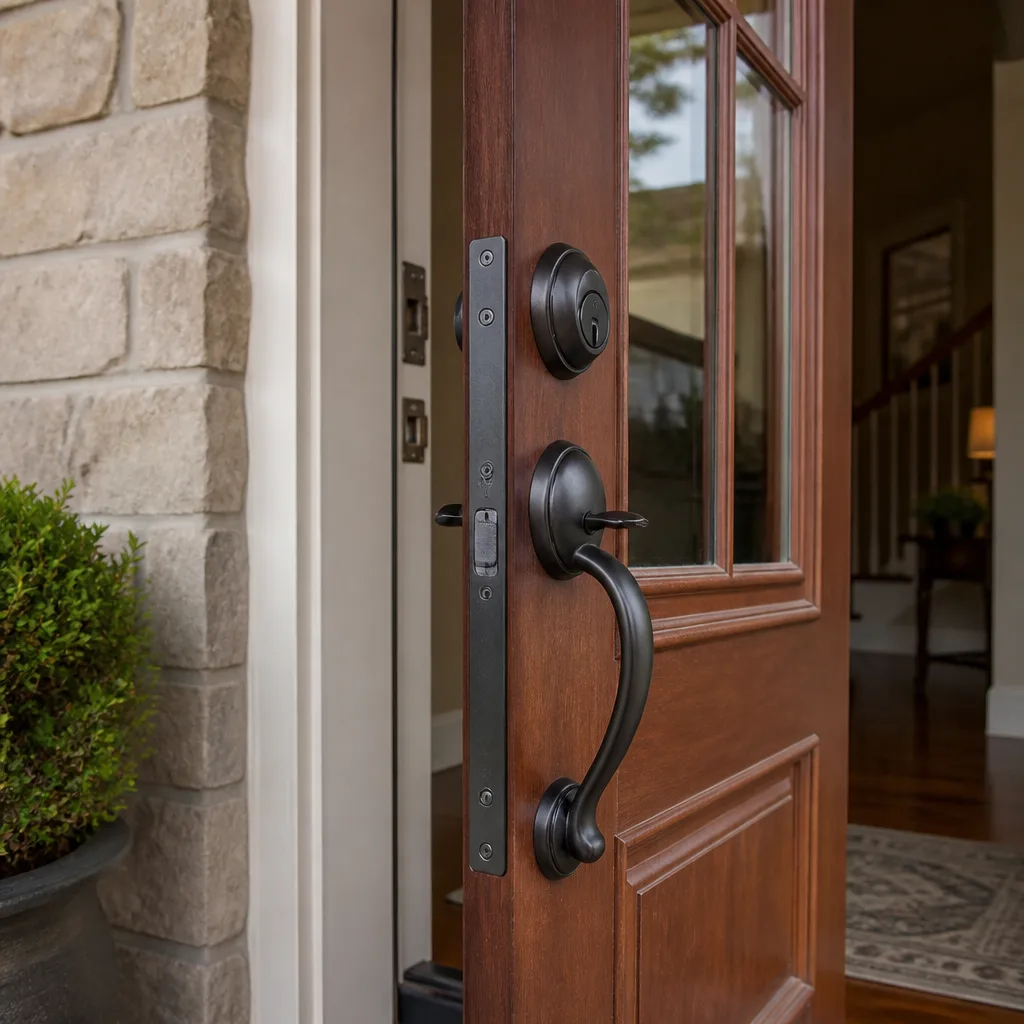
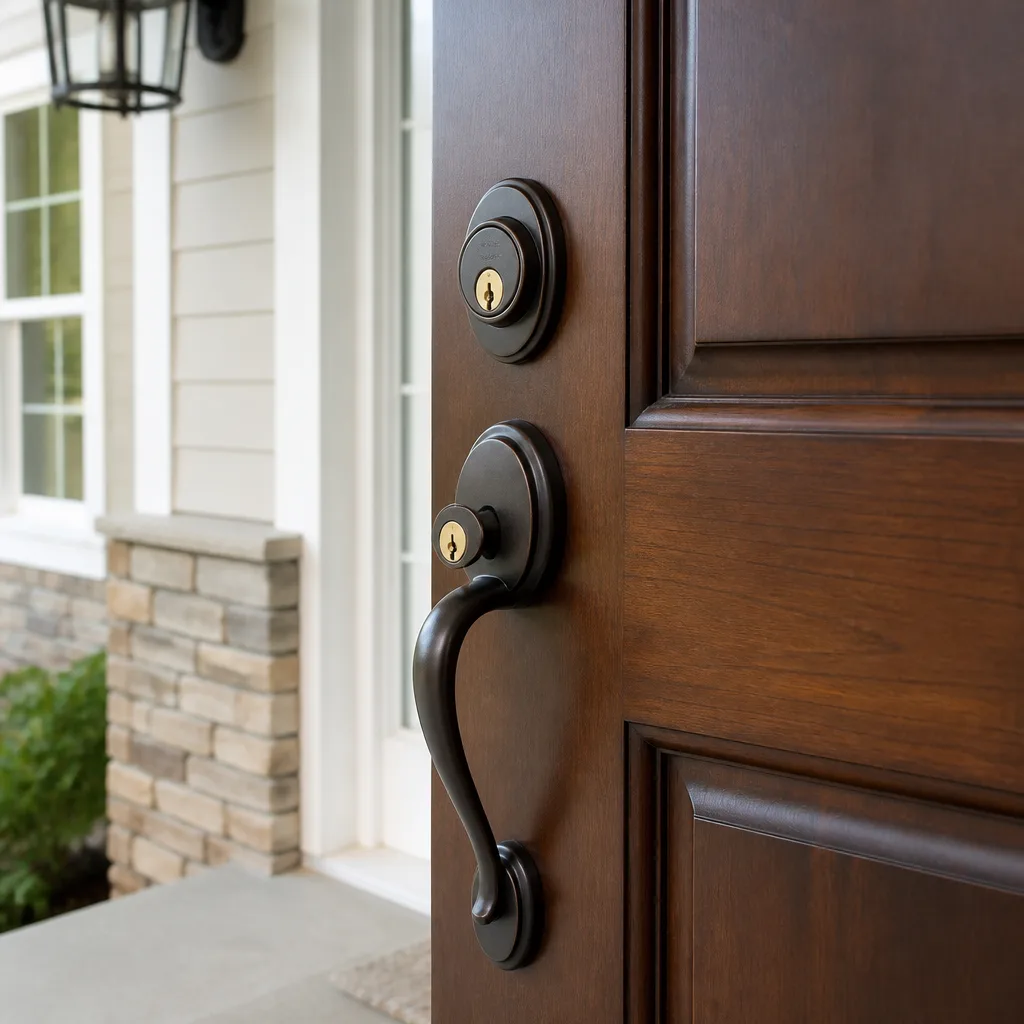
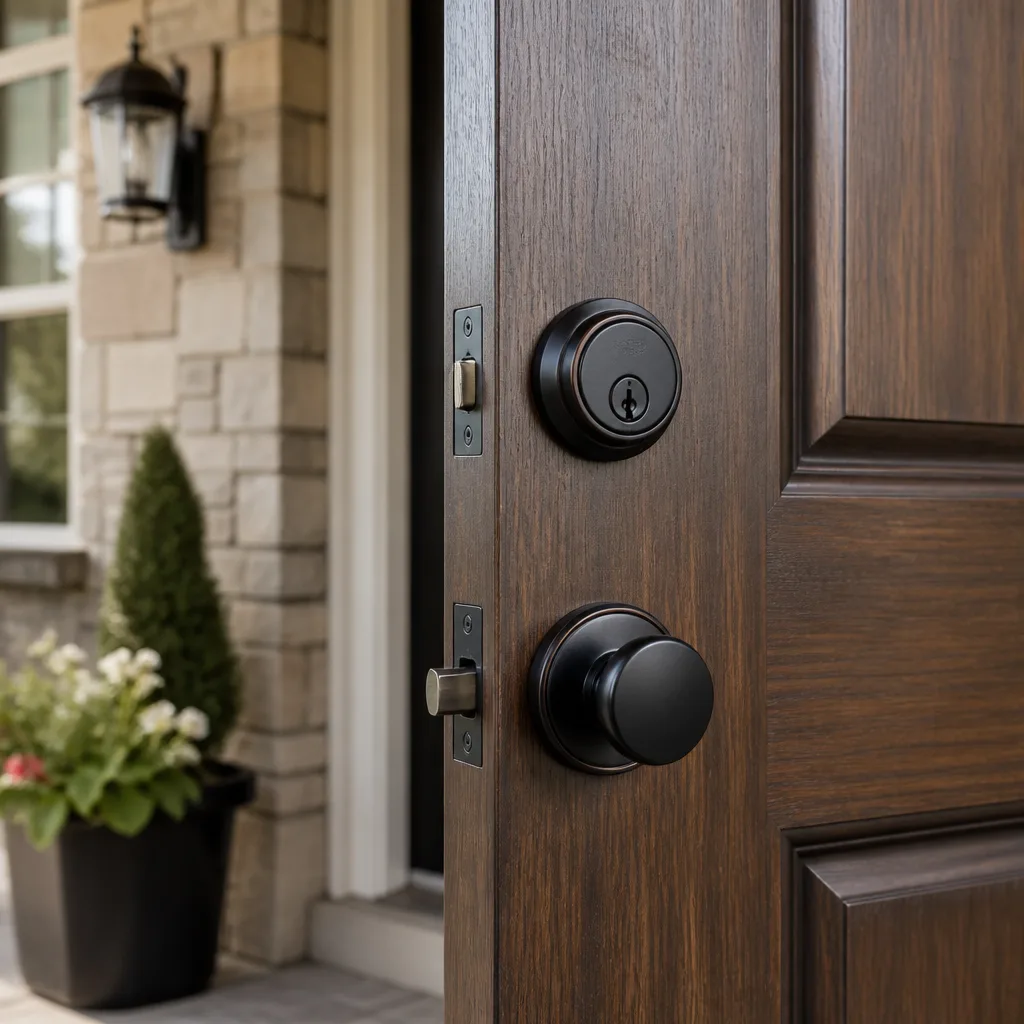
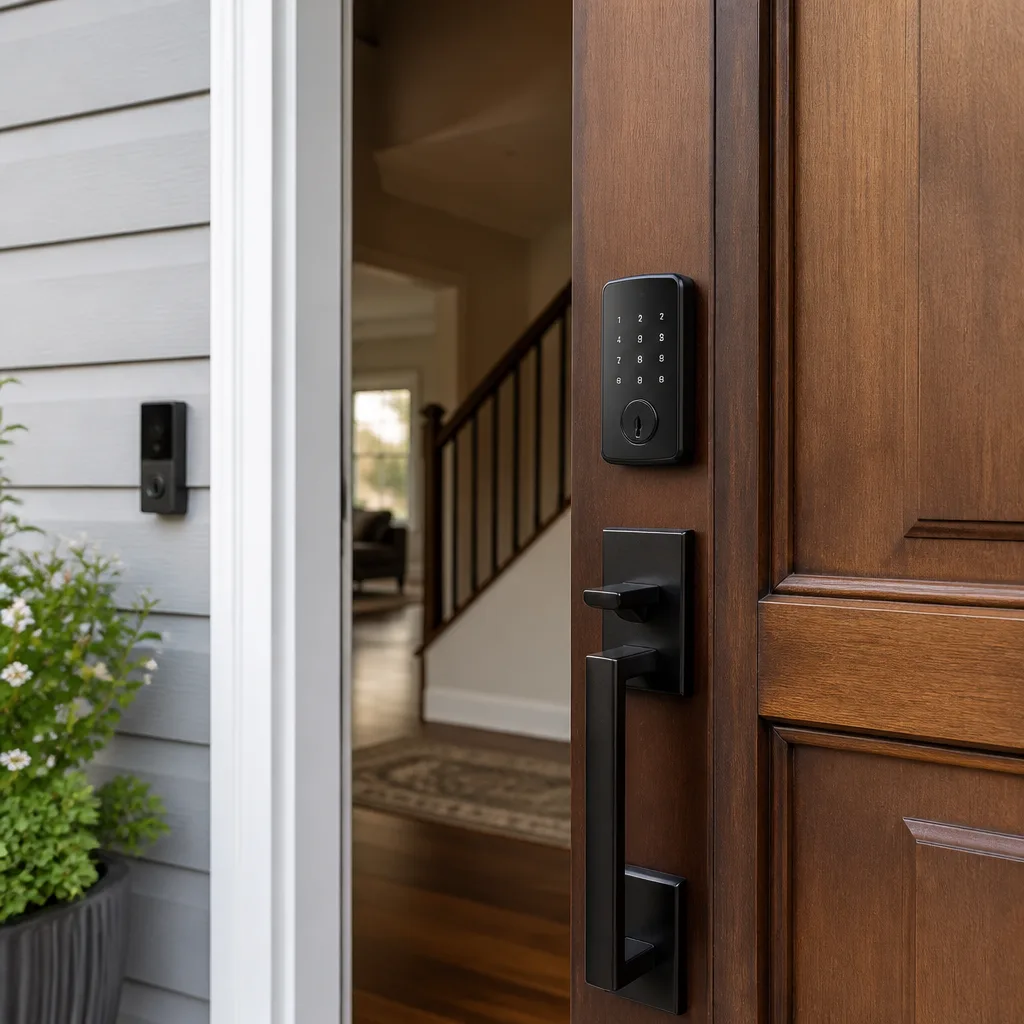
How Long Does Access Control Systems Take? Timelines and What to Expect
The single biggest cause of access control jobs running over time isn’t the wiring or the hardware. It’s a homeowner or business owner who hasn’t decided how many users need access and what format their credentials will take before the technician parks the van. In Los Angeles, where older Craftsman and mid-century homes sit alongside new steel-frame commercial builds, the door itself introduces another wildcard. This guide breaks down realistic timelines by system type, walks through the decisions that compress installation day, and explains what a thorough technician does before, during, and after the Access Control Systems services hardware goes on the door.
Quick Answer
Access control installation in Los Angeles typically takes 1 to 2 hours for a standalone keypad lock, 2 to 3 hours for a cloud-connected smart lock, 3 to 5 hours for a single-door wired access control system, and a full day or more for a multi-door enterprise panel. The range depends on door prep, existing wiring, and whether credential decisions are locked in before the technician arrives. A professional installation includes site assessment, hardware mounting, wiring if needed, credential enrollment, user testing, and a walkthrough.
Table of Contents
- Timelines by System Type
- Pre-Installation Decisions That Compress the Clock
- What a Site Assessment Actually Covers
- Los Angeles Door Reality: Why Prep Time Varies
- Post-Installation: The Phase You Shouldn’t Rush
- Step-by-Step: What Happens on Installation Day
- Common Mistakes to Avoid
- When to Call a Professional
- Frequently Asked Questions
- The Bottom Line
Timelines by System Type
Not all access control is the same job with a different sticker on the box. The hardware category drives most of the time on site. Here’s what we see across Los Angeles residential and commercial work, with the variables that push each range up or down.
Standalone Keypad Lock: 1 to 2 Hours
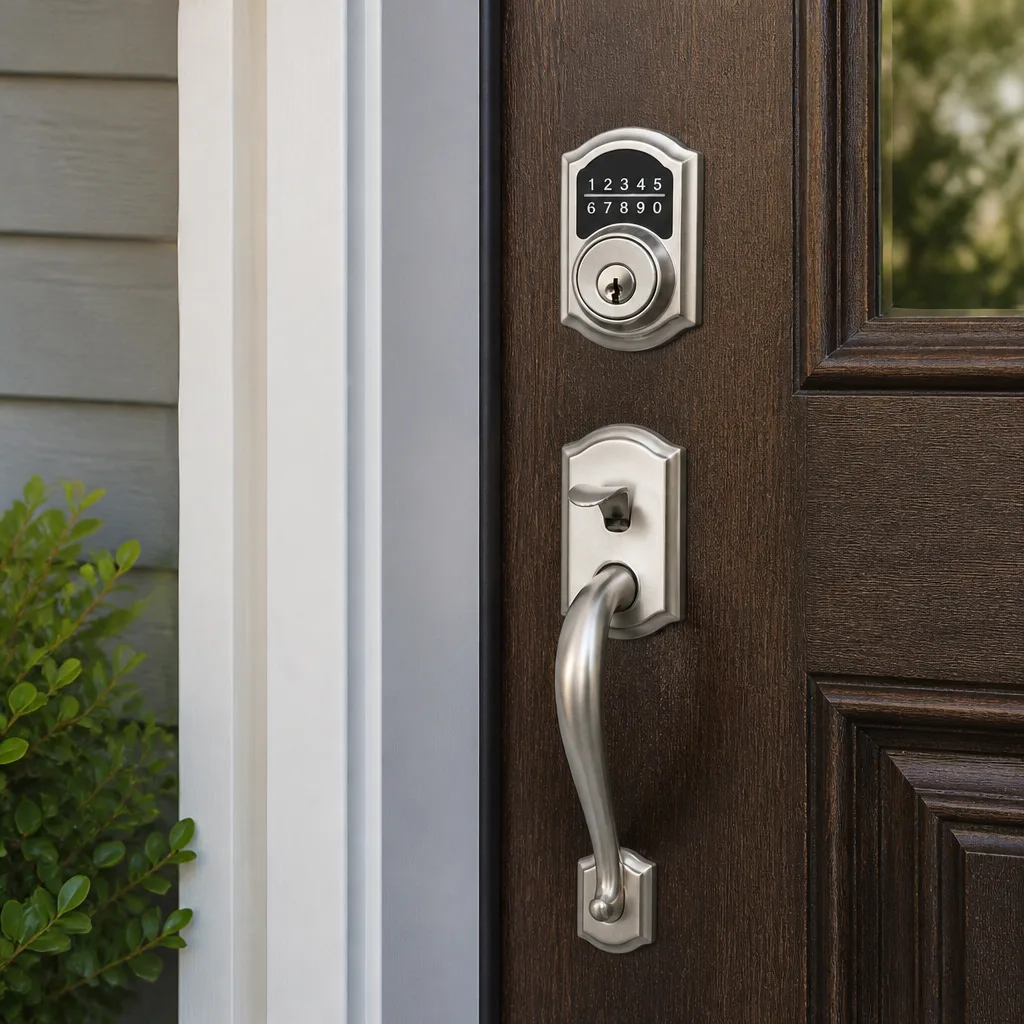
A standalone keypad deadbolt or lever set, like a Schlage or Kwikset keypad model, replaces existing door hardware. No wiring. No network configuration. The work is removing the old lock, prepping the door if needed, mounting the new hardware, programming in user codes, and testing. Most of these installs land right at 90 minutes. The two things that stretch them: a door that needs additional boring or chiseling, and a homeowner who wants a dozen codes programmed with names attached during the install rather than doing it later from the keypad manual.
Cloud-Connected Smart Lock: 2 to 3 Hours
Smart locks from Schlage, Kwikset, or Yale add a connectivity layer: Wi-Fi or Bluetooth to a hub, app download, account setup, and remote access testing. The physical install is similar to a standalone keypad, but the digital setup adds 45 to 60 minutes. We’ve seen this range stretch when the home’s router is at the far end of a 3,000-square-foot Los Angeles house and the lock can’t hold a signal without a range extender. Bring the Wi-Fi password to the door. It sounds obvious. It saves 20 minutes of searching.
Single-Door Wired Access Control: 3 to 5 Hours
This is where real access control begins: a card reader or keypad on one side, an electric strike or magnetic lock on the frame, a power supply, and a controller. On a commercial door in Los Angeles this is bread-and-butter work. The time goes to running low-voltage wire, mounting the power supply, terminating connections neatly, configuring the controller, enrolling credentials, and testing fail-safe or fail-secure behavior. Three hours assumes an existing door with a hollow metal frame and a nearby power source. Five hours includes fishing wire through finished walls or dealing with an older storefront frame that fights the strike plate.
Multi-Door Enterprise Panel: Full Day or More
A system covering four, eight, or twenty doors with a central panel, software, user tiers, and scheduled access rules is a project, not a service call. One technician can usually complete a four-door install with all wiring and enrollment in a single eight to ten-hour day if the site is cooperative. Larger systems run multiple days. The variables that matter most: cable runs through plenum spaces, door hardware compatibility (do the existing exit devices accept electric retraction kits?), and the size of the user database being imported. In our experience, Los Angeles commercial clients routinely underestimate user enrollment time (see How Long Does Commercial Locksmith Take? Timelines and What to Expect). Twenty-five employees each needing a fob, a PIN, and access to different zones is not a five-minute spreadsheet import. It’s an hour of careful data entry and verification.
Pre-Installation Decisions That Compress the Clock
Here’s the uncomfortable truth: most delays on installation day are decisions the customer hasn’t made, not problems the technician encounters. A homeowner who has already thought through these four items can shave 30 to 90 minutes off the visit, depending on the system.
1. Credential Type: PIN, Fob, or Mobile?
Every credential format has trade-offs. A PIN works without anything in your pocket but gets shared and forgotten. A fob is cheap and simple but means carrying one more thing. Mobile credentials through an app are convenient but depend on phone battery and Bluetooth reliability. Decide this before the technician arrives. Switching from fob to mobile midway through setup means reprogramming the reader and re-testing every access point. That’s a 30 to 45 minute hit on a multi-door system.
2. The User List
Write down every person who needs access: family members, housekeeper, dog walker, property manager, every employee, every shift supervisor. Include their access level (full time, weekdays only, front door only). Handing the technician a written list beats dictating names and schedules from memory, which is how people get locked out at 7 a.m. on a Tuesday because the schedule entry was typed with the wrong day.
3. Time Restrictions
Do certain users only need access during business hours? Does the cleaning crew come Thursday afternoons? Does a tenant need access only through the end of a lease? Time-based access rules are configured in the system software, and configuring them correctly takes focus. Knowing the schedule in advance means the technician programs it once and tests it once. Rebuilding schedules after the fact, on a follow-up visit, is the most common reason for a second truck roll in Los Angeles access control work.
4. Fail-Safe vs. Fail-Secure
This is the technical question most homeowners have never heard of, but it matters for fire safety. A fail-secure lock stays locked when power fails, which is more secure but can trap people inside if there’s a fire and no mechanical override. A fail-safe lock unlocks when power is cut, which is safer for egress but less secure. Commercial buildings with fire code requirements typically need fail-safe on exit doors. A knowledgeable technician will explain this and make a recommendation based on your door and occupancy. Deciding it ahead of time, after a quick conversation, means no mid-install hardware swap.
What a Site Assessment Actually Covers
Before any hardware touches the door, a proper technician walks the site. Skipping this step always adds time later, because problems buried in the wall or frame surface mid-install instead of during planning. Here’s what the assessment includes:
- Door inspection. Frame material, door thickness, existing hardware type, hinge condition, and whether the door is fire-rated. Metal commercial frames take different hardware than wood residential frames in a Los Angeles bungalow.
- Prep evaluation. Does the existing bore and mortise match the new hardware, or will the door need additional cutting? This is where older Los Angeles homes surprise people.
- Wiring path mapping. Where is the nearest power source? Is there a drop ceiling, an accessible attic, or a crawl space? Can the wire run be hidden or does it need surface-mount conduit?
- Network check. For cloud-connected systems, is there a stable Wi-Fi signal at the door? Does the commercial space have an Ethernet drop near the controller location?
- User and schedule confirmation. The technician reviews the credential list, time restrictions, and access levels with the customer before programming begins.
- Safety and egress review. Confirming the door meets fire code egress requirements and that the chosen lock type is appropriate for the occupancy.
A thorough assessment on a single-door commercial job takes 20 to 30 minutes. On a multi-door system it can take an hour. That time is not padding. It’s the difference between a clean install with no surprises and a job that requires a second visit to fix a wiring path that should have been caught before the first hole was drilled.
Los Angeles Door Reality: Why Prep Time Varies
Los Angeles housing stock runs from 1920s Craftsman bungalows in Highland Park to 1950s mid-century ranch homes in the Valley to brand-new builds in Playa Vista. The age and construction style of the home directly affect access control installation time, and this is something generic installation guides and How Long Does Residential Locksmith Take? Timelines and What to Expect resources rarely address.
Older Craftsman homes often have solid wood doors that are thicker than modern standard slabs. That means the tailpiece on a keypad deadbolt may not extend far enough through the door, requiring a longer tailpiece or a custom spacer. The mortise pocket may be a non-standard size, which means careful chisel work. The door frame itself may have settled out of square over 90 years, so the new strike or electric strike needs adjustment before the latch seats cleanly. All of this adds 30 to 90 minutes to what would otherwise be a straightforward hardware swap.
Mid-century homes present a different challenge: many were built with hollow-core interior doors and thin aluminum or wood exterior doors that were never designed for modern access control hardware. Reinforcing the mounting surface, adding a door wrap plate, or installing an electric strike into a thin aluminum frame all take time. We regularly tell Los Angeles homeowners to budget an extra hour for homes built before 1980, not because the technician is slow but because the door was built for a different era of hardware.
Commercial buildings in Los Angeles add their own layer. Many storefronts in strip malls across the Valley and the Westside have aluminum-framed glass doors that require specialized electric strikes and careful wire routing. Downtown Los Angeles office buildings built in the 1920s and 1930s often have narrow metal door frames that make modern magnetic lock installation a careful, precise job. The good news: an experienced Los Angeles access control technician has seen every one of these conditions before and can tell you during the site assessment exactly how much extra time the door will require.
Post-Installation: The Phase You Shouldn’t Rush
When the last screw is tightened and the panel is mounted, the job is not done. The post-installation phase is where access control systems either work for a decade or become a monthly source of phone calls. Rushing this phase is where problems begin, and it’s the first thing cut when a technician is running behind.
A complete post-installation sequence includes:
- Full credential enrollment. Every user is entered into the system with their assigned access level and schedule. Names, not just ID numbers, so the audit log is readable later.
- User testing. Each credential type is tested at each controlled door. A fob that works at the front door should not work at the stockroom unless it’s supposed to. A PIN that grants access to a tenant should expire when the lease ends.
- Fail-state testing. The technician cuts power to the lock and verifies it behaves the way it was designed to: fail-safe or fail-secure, depending on the decision made before installation.
- Homeowner or manager walkthrough. The person responsible for the system learns how to add a user, remove a user, change a schedule, and check the audit log. This takes 20 to 30 minutes and is the most valuable time spent on the entire job.
- Written documentation. The system manual, a user quick-reference sheet, and a list of all programmed credentials left with the owner. Not a verbal summary. Written, like it should be.
At Blackthorn Locksmith & Security, the walkthrough and documentation are part of the job, not an upgrade. Our technicians explain the system before they pack up, and the written price you approved before work started is the price on the invoice. For more guides & resources, visit our blog. That’s how it should work on every access control job in Los Angeles.
Step-by-Step: What Happens on Installation Day
Here’s the sequence, in order, for a typical single-door wired access control installation on a Los Angeles commercial property, with realistic time blocks for each phase. Residential smart lock jobs follow the same logic with shorter physical install and no wiring.
- Arrival and site protection (10 minutes). The technician confirms the scope, reviews the written price with you, and lays down drop cloths or floor protection at the work area. At Blackthorn, shoe covers go on before a technician crosses the threshold of a home. In a commercial space, the work area is taped off or protected before tools come out.
- Door and frame prep (30 to 60 minutes). The old hardware is removed. The door is measured, marked, and prepped for the new reader, strike, and any reinforcement plates. On older Los Angeles doors this is where the extra time shows up: careful chisel work, frame adjustments, or a longer tailpiece installation.
- Hardware mounting (30 to 45 minutes). The reader, electric strike or magnetic lock, power supply, and controller are mounted and secured. Wiring is pulled through the pre-planned path and terminated neatly at each connection point.
- Wiring and power connection (45 to 90 minutes). Low-voltage wire is run from the power supply to the lock and reader. Connections are made, secured, and labeled. The system is powered on for the first time.
- System configuration (30 to 60 minutes). The controller is programmed with user access levels, schedules, and fail-state behavior. For cloud-connected systems, network settings and app connections are established and tested.
- Credential enrollment and testing (30 to 45 minutes). Every user is added. Every credential is tested at the door. Fail-state behavior is verified by cutting power and confirming the lock does what it was configured to do.
- Walkthrough and documentation (20 to 30 minutes). The owner or manager tests the system with the technician standing by. Questions are answered. A written quick-reference guide is left on site, and the technician confirms the final price matches the written price approved before the work.
- Cleanup and photo (10 minutes). Tools are packed. The work area is vacuumed or swept. At Blackthorn, a photo of the clean-up is taken and shown to the customer before the technician leaves. That’s the standard on every job, not a courtesy for a good review.
Total realistic time for that single-door wired install: 3.5 to 5 hours, including cleanup. A residential smart lock with no wiring cuts that roughly in half. A four-door enterprise system with multiple users and schedules extends it to a full day, and sometimes a second day if cable runs are long or the building’s construction is uncooperative.
Common Mistakes to Avoid
- Booking installation before deciding on credentials. The fob-vs-mobile decision affects reader hardware. Deciding after the technician arrives means the wrong reader may be mounted, or a second visit is needed to swap it.
- Skipping the site assessment. Any contractor who quotes a multi-door access control job without walking the site is guessing. Guessing leads to change orders, which lead to a higher final bill than the number you approved.
- Choosing hardware based on price alone. The cheapest electric strike may not fit a Los Angeles storefront’s aluminum frame without extensive modification. The labor to make cheap hardware fit often exceeds the savings on the part.
- Not asking about cleanup standards before the job. Drilling into doors and frames creates sawdust and metal shavings. Ask what the technician will do to protect floors and what the workspace will look like after. If the answer is vague, expect a mess.
- Rushing the walkthrough. The 20 minutes you spend learning to add and remove users is the difference between a system you control and a system you call someone to fix every time an employee leaves or a tenant moves out.
- Forgetting to ask about the fail-state. Not knowing whether your lock fails open or locked can be a fire safety issue. A licensed professional will raise it. A rushed one won’t, and you’ll find out during a power outage.
- Accepting a verbal price. In the access control trade, the price should be in writing before work starts. If a contractor won’t put the number on paper before the first hole is drilled, call someone else.
When to Call a Professional
Access control is not a category where most homeowners or business owners should improvise. If the job involves running low-voltage wire through walls, configuring a controller with multiple user tiers, integrating with a fire alarm or exit device, or installing hardware on a fire-rated door, call a licensed professional. A botched access control install can leave a door that doesn’t latch, a lock that fails in the wrong direction during a power outage, or a system that logs no audit trail and can’t tell you who entered and when. For commercial doors subject to Los Angeles fire code, incorrect hardware selection is a citation waiting to happen. Blackthorn Locksmith & Security offers free estimates in Los Angeles, including site assessments for multi-door systems. Call (818) 390-9007 to schedule a walkthrough and get a written price before any work begins.
Frequently Asked Questions
Most single-door access control installations in Los Angeles take 3 to 5 hours from arrival to cleanup. Standalone keypad locks take 1 to 2 hours, cloud-connected smart locks take 2 to 3 hours, and multi-door enterprise systems take a full day or more. The exact time depends on door prep, wiring conditions, and how many users need credentials enrolled. Call (818) 390-9007 for a site-specific estimate.
It should be, and at Blackthorn Locksmith & Security it is. We provide a written price before any work starts, and that price is the price on the invoice. No verbal estimates, no surprise line items added when the technician arrives. If a contractor won’t put the price in writing, find one who will.
Yes, though older doors may require additional prep time. Craftsman and mid-century homes in Los Angeles often have non-standard door thicknesses, settled frames, or thinner door slabs that need reinforcement. A site assessment identifies these issues before installation day so the timeline is accurate from the start.
Most modern systems from Schlage, Kwikset, and Yale support 25 to 250 unique user codes or credentials, depending on the model. The practical limit for a family is usually far lower. Deciding the user list before installation means the technician can enroll everyone in one visit without a follow-up.
Not for a basic standalone keypad. Wi-Fi is only required if you want remote access, app-based management, or integration with a smart home platform. If the door is at the far end of a large Los Angeles house, check the signal strength at the door before choosing a cloud-connected model.
It depends on how the system was configured. Fail-secure systems stay locked and typically run on battery backup for a limited time. Fail-safe systems unlock so occupants can exit, which is the requirement for many commercial fire-rated doors in Los Angeles. Your technician should explain which mode your system uses and verify it during installation testing.
The Bottom Line
Access control installation in Los Angeles runs from 90 minutes for a simple keypad swap to a full day or more for a wired multi-door system. The variables that matter most are door age, existing wiring, and whether credential and schedule decisions are finalized before the technician arrives. A proper job includes a site assessment, clean work practices, full user enrollment, testing, and a walkthrough. When you’re ready to talk about your specific doors, call Blackthorn Locksmith & Security at (818) 390-9007 for a free estimate. We’ll walk the site, give you a written price, and protect your floors while the work gets done. For more on who we are and how we work, start at the Blackthorn Locksmith & Security home page, or explore our Residential Locksmith in Los Angeles, Commercial Locksmith in Los Angeles, and Access Control Systems in Los Angeles service pages.
Written by Shane Delaney, Owner at Blackthorn Locksmith & Security, serving Los Angeles since 2008.