
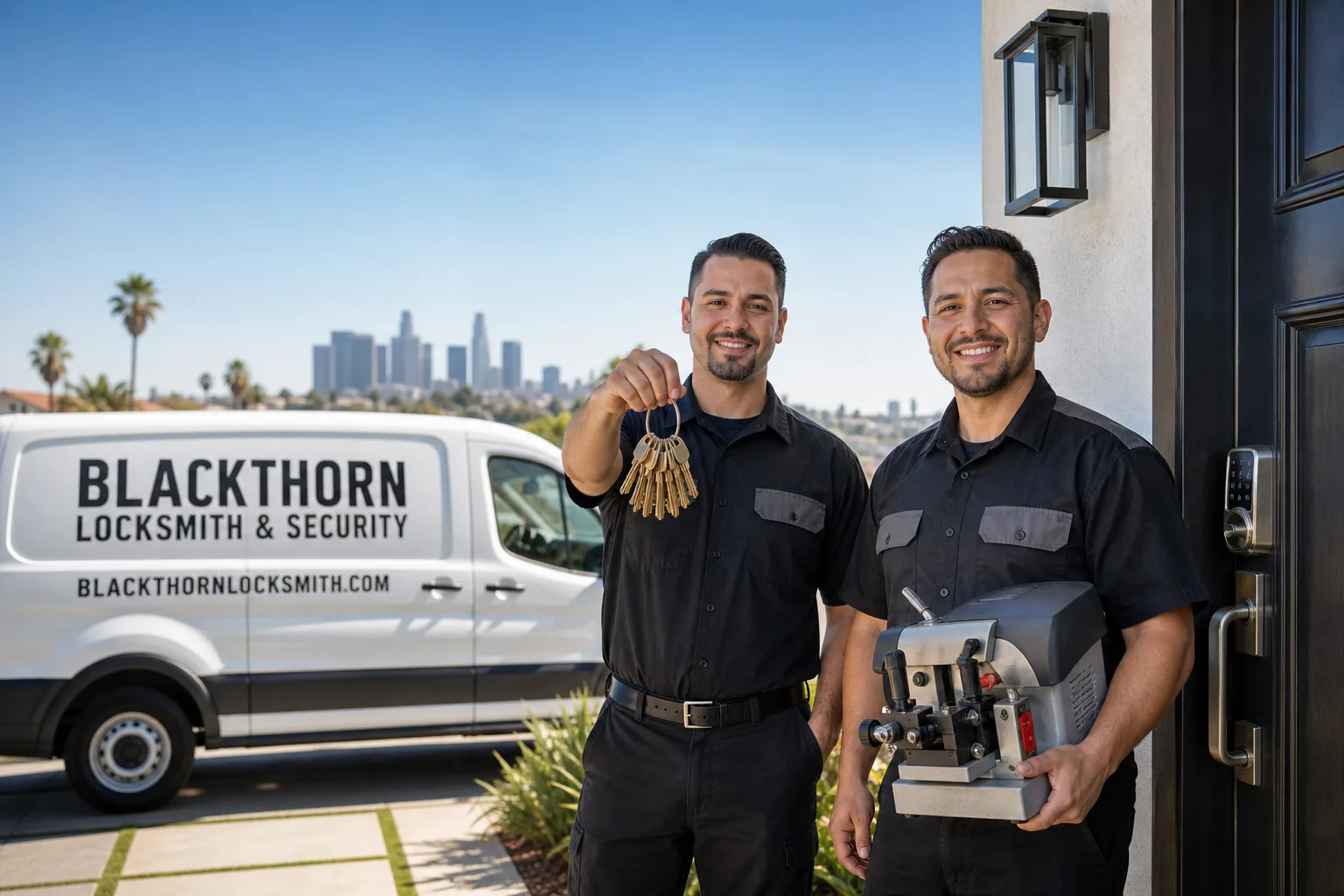
Non-destructive entry first, always - and we re-key Schlage, Kwikset, and Baldwin locks on the spot while you watch
You get a price before we start. It does not change when we arrive. No surprises.
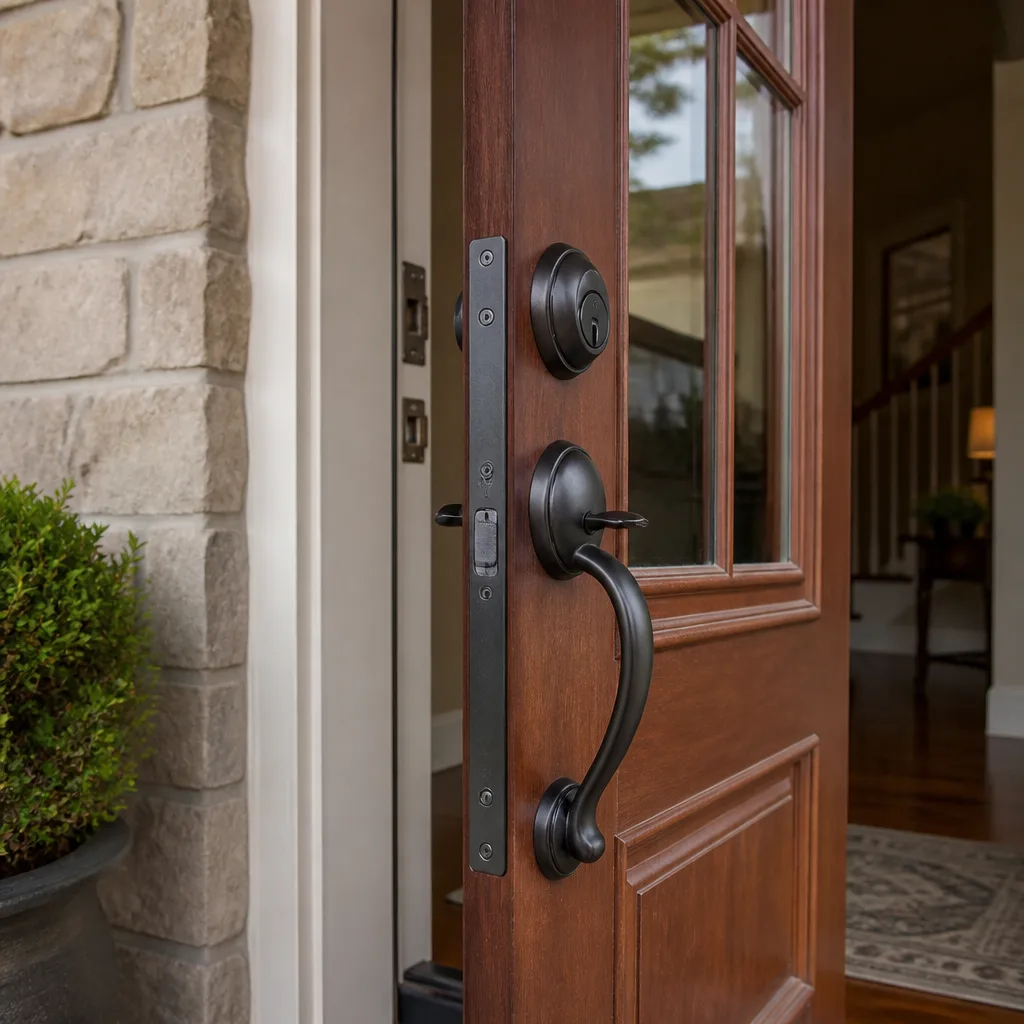
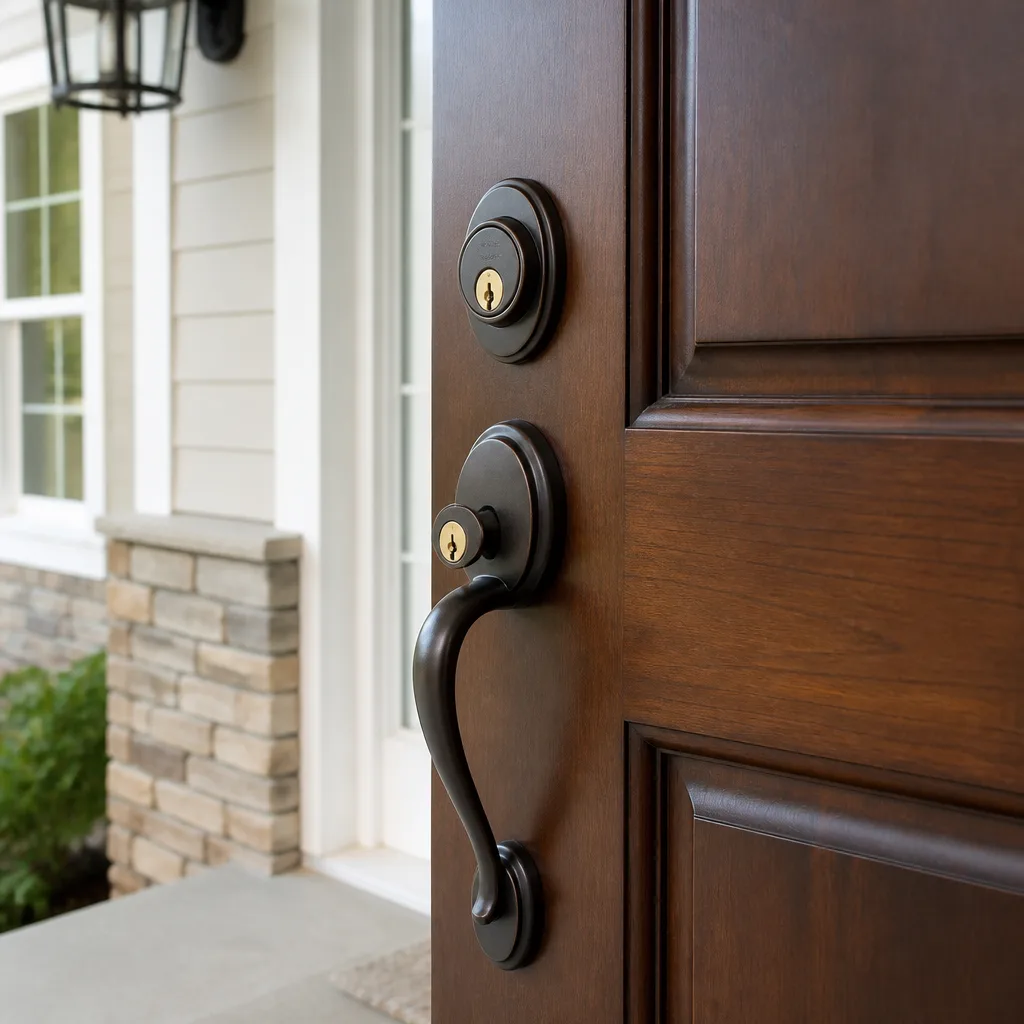
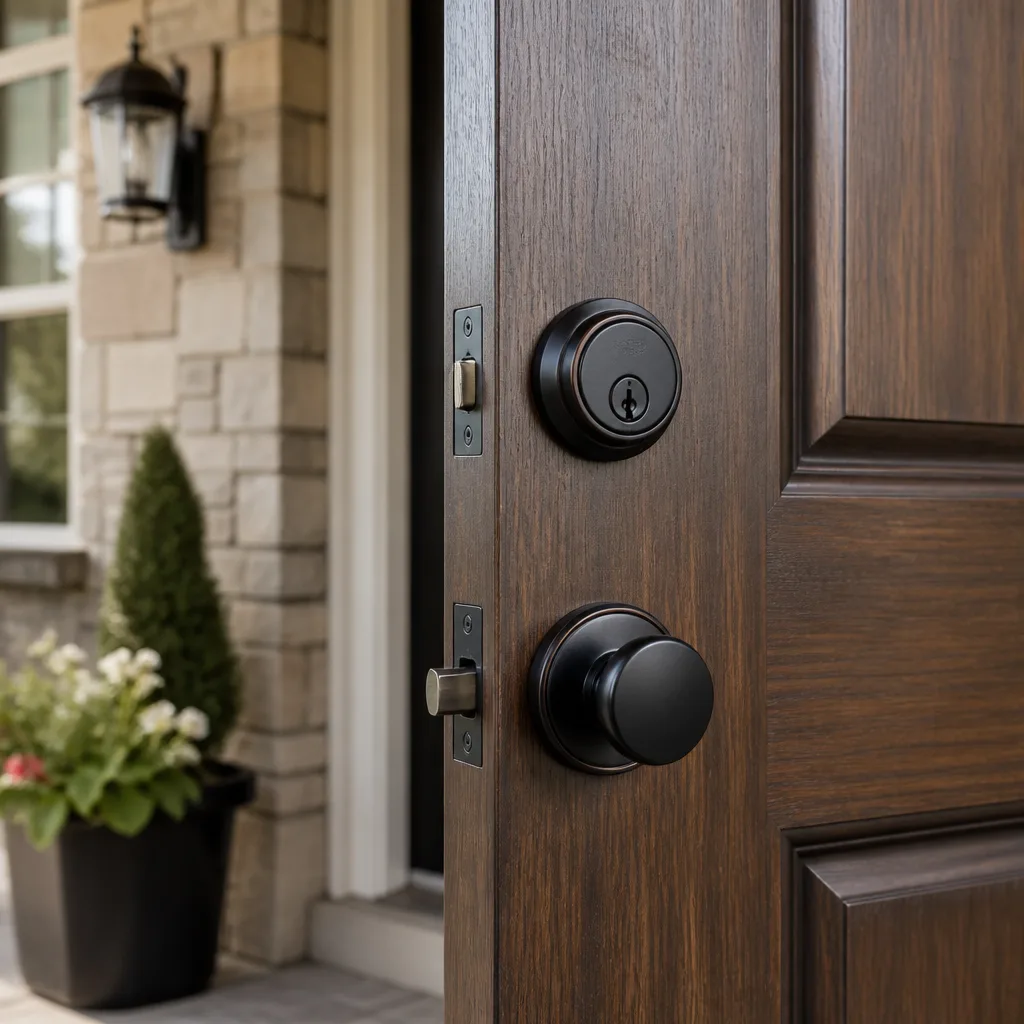
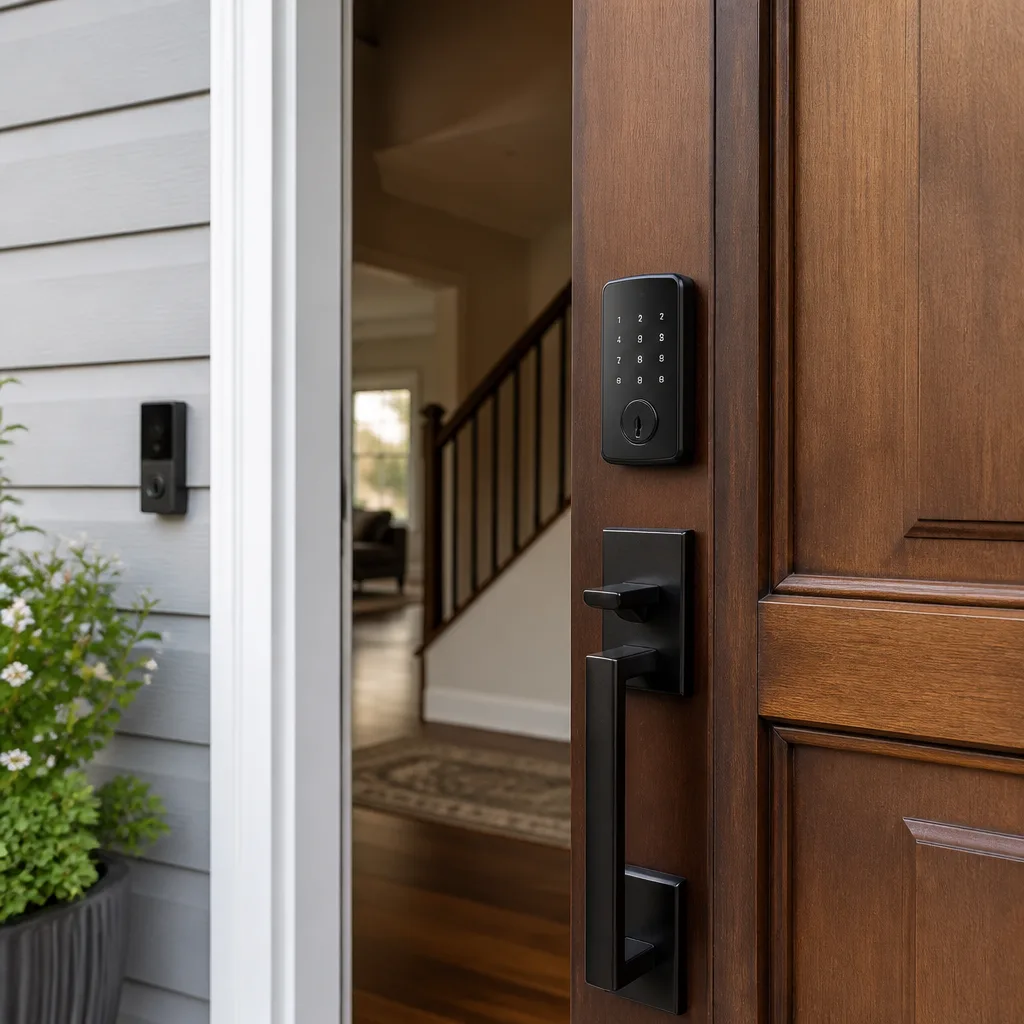
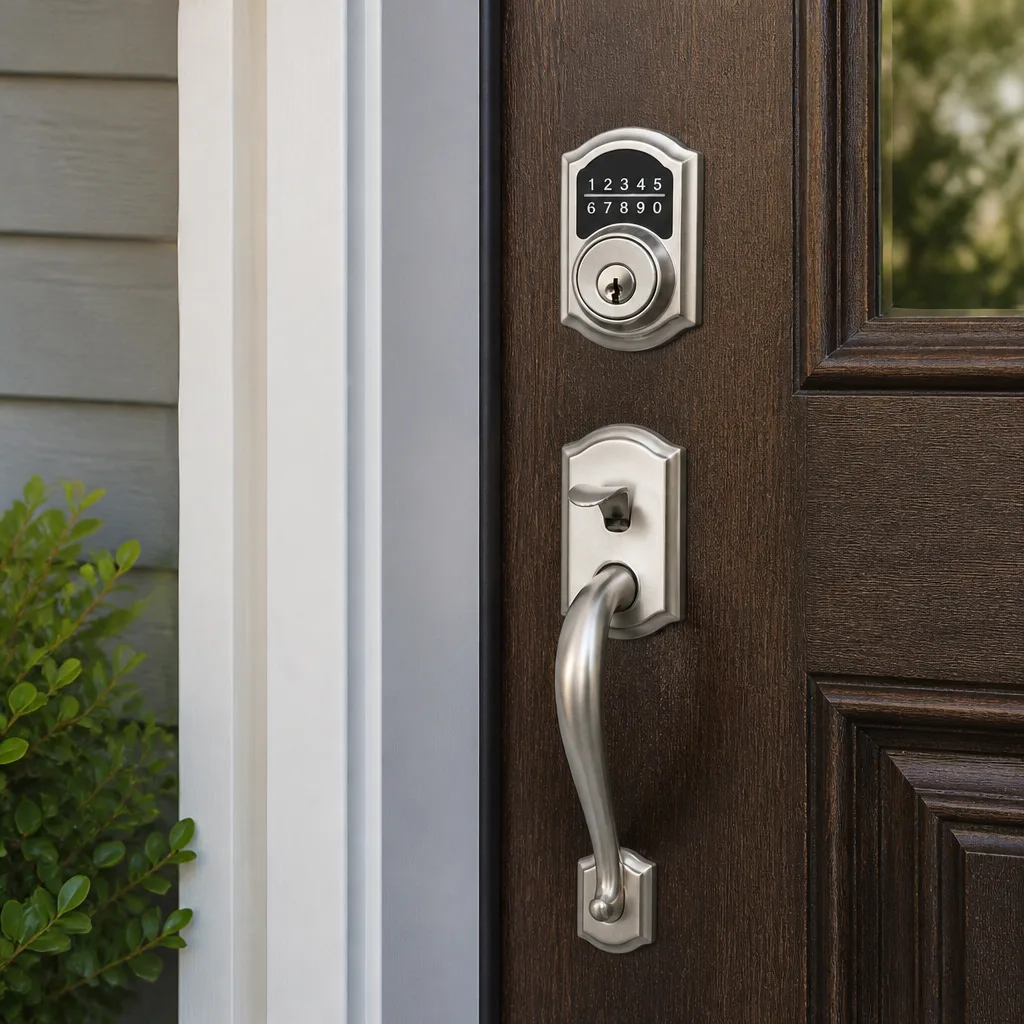
Smart Lock Stopped Working
A smart lock that stops working is almost always caused by one of four things: dead or failing batteries, a lost connection between the lock and its app or hub, corrupted firmware from a failed update, or a mechanical fault in the bolt or motor assembly. In most cases, a homeowner can narrow it down in under five minutes using the steps below. If the door is stuck shut or stuck open right now, call (818) 390-9007 – a live person answers every call, any hour.
What’s Happening
Smart locks fail for a handful of predictable reasons, and the symptom tells you a lot. A lock that beeps, flashes a low-battery indicator, or responds slowly before going dead is almost certainly a power problem. A lock that lights up normally but won’t respond to the app has lost its wireless connection. A lock that tries to throw the bolt but grinds or stops partway is dealing with a mechanical issue that no amount of rebooting will fix.
What makes smart locks trickier than traditional deadbolts is that the failure can live in three different places at once: the power supply, the electronics, or the physical hardware. A locksmith who works with smart lock systems can separate those layers quickly, because chasing the wrong one wastes time and can make things worse. If the bolt is physically jammed and you keep sending it motor commands, you risk burning out the motor.
Why It Happens
Dead or Failing Batteries
This is by far the most common cause, and it’s easy to overlook because smart locks often behave strangely before they die outright – they might work once or twice then refuse again, respond slowly, or show a full battery indicator that’s simply no longer accurate. Most smart locks run on AA or 9V batteries and need fresh ones every few months depending on traffic volume and temperature. If the lock beeps when you approach or shows a blinking amber or red indicator, start here.
Lost App or Hub Connection
Smart locks that rely on Z-Wave, Zigbee, Bluetooth, or Wi-Fi can lose their pairing after a router change, a network outage, or a phone software update. The lock itself is still mechanically fine – it just can’t hear instructions. The giveaway is that the keypad or manual key still works, but the app shows the device as offline or unresponsive. This is software, not hardware, but depending on the lock brand it can take a full factory reset and re-pairing to sort out.
Firmware Update Gone Wrong
Schlage, Yale, Kwikset, and most major smart lock brands push periodic firmware updates. If the update is interrupted – by a battery dying mid-process, a Wi-Fi drop, or the app closing – the lock can boot into a corrupted state and refuse to respond to any input. The lock may show unusual light patterns, lock itself in a fixed state, or cycle power repeatedly. This is more common than most people expect and can look alarming even though the mechanical lock is untouched.
Mechanical Fault in the Bolt or Motor
Smart locks have motors and gears that move the bolt, and those parts wear over time. A grinding noise, a bolt that moves partway and stops, or a bolt that throws but doesn’t fully retract are mechanical symptoms. Misalignment between the door and the frame – common after seasonal wood expansion or a home settling – can put lateral pressure on the bolt that the motor wasn’t designed to overcome. This is the failure mode that needs physical hands on the hardware, not a software fix.
What to Do Right Now
- Replace the batteries first, even if the indicator looks fine. Use fresh alkaline batteries – lithium batteries test well but can read as full on a meter even when they’re nearly depleted under load. This costs two minutes and rules out the most common cause entirely.
- Try the physical key if you have one. Most smart locks have a hidden key cylinder underneath a cap or cover. If the key works normally, the problem is electronic, not mechanical. If the key is stiff or the bolt won’t move, stop and call – forcing a jammed bolt can damage the door frame or the lock body.
- Check your router and app, in that order. Restart your router, wait 60 seconds, then open the lock’s app. If the device comes back online, a connection drop was the whole problem. Note whether anything changed recently – a new router, a changed Wi-Fi password, or a phone update.
- Photograph the lock face and any error indicators before you touch anything else. The blinking pattern, the color sequence, and the error code on the keypad are diagnostic information. A photo takes five seconds and saves guesswork later.
- If the bolt is jammed in either direction and the door is stuck, stop cycling the motor. Every command you send to a stuck motor risks burning it out and turning a software or alignment problem into a full hardware replacement. Leave it, and call (818) 390-9007 – a live person will pick up and help you figure out whether this is urgent or can wait.
How We Fix It
When your local Blackthorn Locksmith & Security technician arrives, the first thing they do is separate the three failure layers – power, electronics, and mechanics – rather than guessing and replacing parts. They’ll test battery output under load, check the bolt alignment and motor function manually, and pull any error codes from the lock’s internal log if the brand supports it.
For connection or firmware issues, the technician walks through the manufacturer’s recovery process for your specific lock model – whether that’s a Schlage Encode, a Yale Assure, a Kwikset Halo, or another brand in our inventory. For mechanical faults, they’ll check door frame alignment and assess whether the motor and gear assembly can be serviced or needs replacement.
Most smart lock service calls resolve within an hour. Before any part is touched, you receive a written price – specific to this job, this lock, this door. That’s not an estimate handed over verbally. It’s a written figure, and it’s the number on the invoice. The work is covered by our 365-Day Done Right Promise: if it’s not right, we make it right. This falls under our Residential Locksmith service. Call (818) 390-9007 to get started.
Frequently Asked Questions
It depends entirely on which direction the bolt is stuck. A lock frozen in the locked position is an inconvenience – you’re secure, just unable to enter. A lock frozen in the unlocked position or one that failed during a transition is a genuine security concern and should be treated as urgent. If you’re unsure whether the bolt is actually extended, use the physical key to verify, or call (818) 390-9007 and describe what you’re seeing – we’ll help you sort out urgency on the spot.
Your local Blackthorn Locksmith & Security team handles smart lock calls and a live person answers every call, 24 hours a day, 7 days a week – including holidays. Call (818) 390-9007 and we’ll get someone moving.
Sometimes, yes – if the lock is old and the motor has genuinely failed, replacement is the right call and a reasonably handy homeowner can handle the swap. The risk is misdiagnosing the problem: replacing a $200 lock because of a dead battery or a firmware glitch is an expensive mistake. It’s worth a technician’s eyes on it first, because if the fix turns out to be simple, we’ll tell you so plainly – Shane Delaney built this company around saying plainly when the cheaper option does the job just as well.
We carry and install hardware from Schlage, Kwikset, Yale, Baldwin, Medeco, Mul-T-Lock, Sargent, and Abloy – covering everyday residential smart locks through high-security certified cylinders. If your current lock can be repaired, we’ll repair it. If it needs to be replaced, we’ll match the security level you had or improve on it, and you’ll see the cost in writing before we order or install anything.
Get It Fixed
Call (818) 390-9007 – a live person answers every call, any time of day or night. Your local Blackthorn Locksmith & Security team will diagnose the problem, give you a written price before any work starts, and get your lock working correctly again.
Written by Shane Delaney, Owner & Lead Technician at Blackthorn Locksmith & Security, serving communities across the country as part of the Cedarwell family of businesses.
What Our Customers Say
"New deadbolts and smart locks on our rental. He was considerate of the tenant's things, quiet, and left no mess. Walked us both through the codes kindly."
- Trevor Nakamura"Rekeyed the house and added a deadbolt the first week we moved in. He wore shoe covers, swept the shavings off the floor, and was kind and patient. Felt safe right away."
- Marisol Quint"Rekeyed the whole house after we moved in. He was calm and careful, wore shoe covers without me asking, and cleaned up the little metal shavings from each door. Felt safe that first night."
- Harriet Boyle